
Free PDF
Tally to Zoho Books Migration Checklist
40 points to check before you switch: data cleanup, GST, cutover date, user roles.
Zoho Premium Partner · Tally Migration Specialists
Outgrown Tally? NuageCX moves your ledgers, GST records, stock items and outstanding bills from Tally to Zoho Books, then reconciles every balance before you go live. As a certified Zoho Premium Partner headquartered in Pune, we have helped businesses across India leave desktop accounting behind without losing a single voucher.
500+ businesses trust NuageCXZoho Premium PartnerSince 2017
Tell us your Tally setup. We'll send a migration plan and timeline within 2 working days.
Quick answer
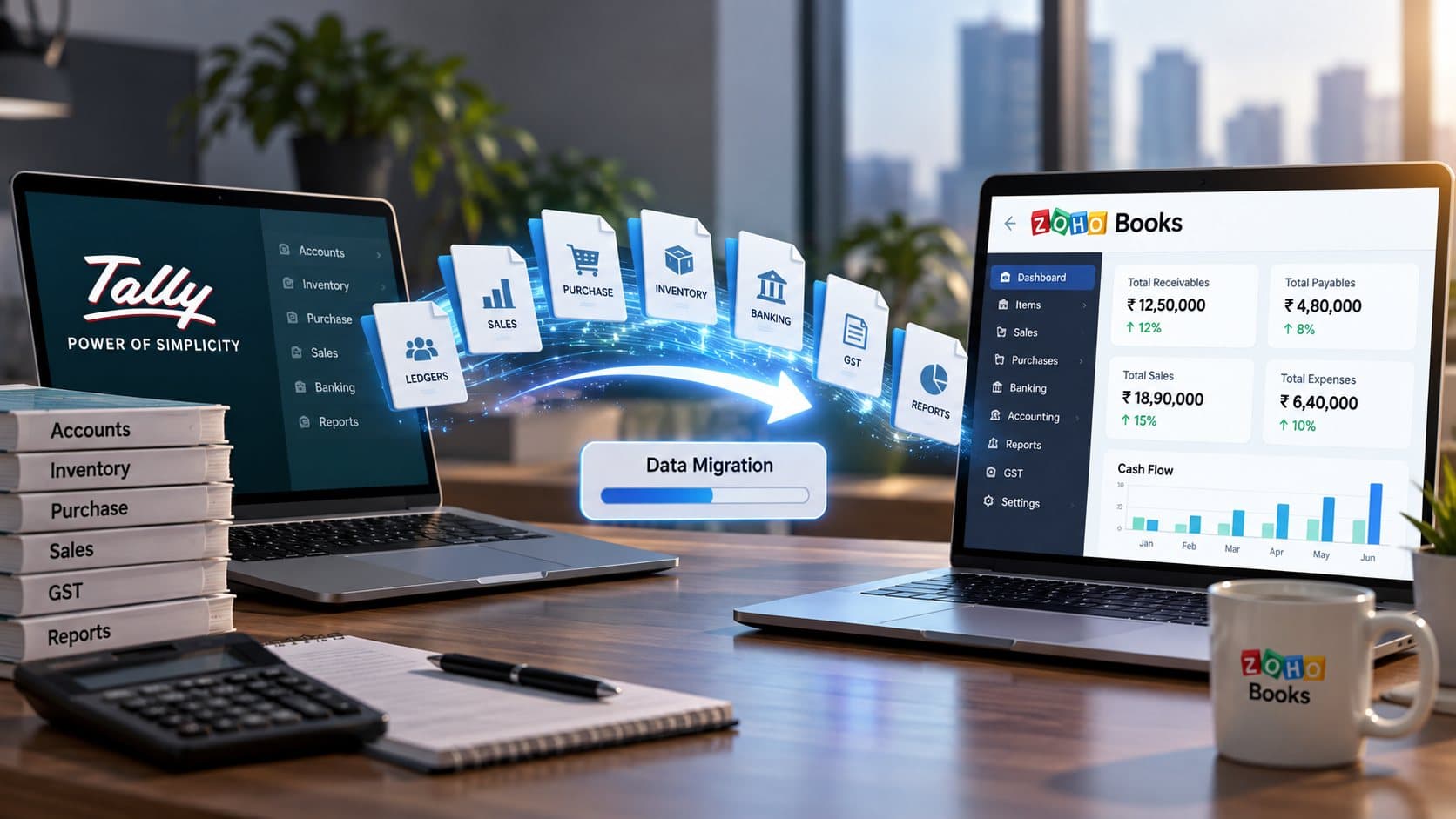
To migrate from Tally to Zoho Books, export your masters and vouchers from Tally, clean duplicate ledgers and GST details, map Tally groups to a Zoho Books chart of accounts, import into a test organisation, reconcile the trial balance, then cut over on a fixed date. A typical SME migration takes 3–5 weeks.
Reviewed by the NuageCX Zoho Books Implementation Team · Last updated:
At a glance
01The Tally ceiling
Tally has run Indian accounting for decades, and for a single office with one accountant it still works. The trouble starts when the business grows past one machine. Data sits on a local system, remote access needs extra tools, and sales, inventory and accounts live in separate places that someone has to reconcile by hand. Zoho Books is cloud accounting built for Indian GST. Your team, your CA and your management see the same live numbers from any device, and it connects natively with Zoho CRM, Inventory, Expense and Analytics.
Data locked on one machine. Accounts depend on one office PC or a remote-desktop setup, with backups that are easy to miss.
No live view for owners. Management waits for the accountant to export reports instead of checking a dashboard.
Manual double entry. Sales orders, invoices and stock are re-keyed between CRM, Excel and Tally.
Multi-branch pain. Consolidating branches or companies means exports, imports and late nights at month-end.
Hard to share with your CA. Year-end means copying data back and forth.
Access anywhere: browser and mobile apps, with role-based permissions
GST built in: GST-ready invoices, e-invoicing and e-way bills, and GST reports ready for filing
Bank feeds: automatic bank reconciliation instead of manual matching
One system: quote in Zoho CRM, invoice in Books, stock in Inventory, with no re-keying
Accountant access: invite your CA as a user instead of sending backups
02Side by side
Zoho Books is the better fit when several people, branches or apps need live access to your accounts; Tally suits a single-office team that only needs desktop accounting. Both handle Indian GST. The real difference is where your data lives and how far it reaches beyond the accounts team.
| Capability |  |  |
|---|---|---|
| Deployment | Installed on a local PC or server; remote access via add-ons or third-party hosting | Cloud, in the browser and on iOS/Android |
| Multi-user access | Depends on licence type and network setup | Users added by role, from anywhere |
| CRM link | Separate system, synced manually or via connectors | Native sync with Zoho CRM |
| Inventory | Built-in stock management | Basic stock in Books; Zoho Inventory for multi-warehouse |
| Bank reconciliation | Bank statement import and reconciliation | Bank feeds with auto-matching rules |
| Customer portal | Not built in | Customers view and pay invoices online |
| Automation | TDL customisation by a Tally developer | Workflow rules, custom functions (Deluge), APIs |
| Backups | Your responsibility | Handled by Zoho |
An honest note: Tally is excellent at what it does. If your team is in one office and nothing outside accounts needs your data, staying may be right. We’ll tell you that honestly in the assessment.
Compares TallyPrime with Zoho Books India edition, as of October 2026. Reviewed every 6 months, since both products update regularly.
03Migration scope
We migrate in three layers: masters first, then balances, then transactions, so every number has something to attach to.
| Layer | What moves from Tally | Where it lands in Zoho Books |
|---|---|---|
| 01Masters | Ledgers and groups | Chart of accounts |
| Sundry debtors and creditors, with GSTIN, state and addresses | Customers and vendors | |
| Stock items, units, HSN/SAC codes, GST rates | Items | |
| Godowns | Warehouses (Zoho Inventory if multi-location) | |
| Cost centres | Reporting tags | |
| 02Balances | Opening balances as on cutover date | Opening balances |
| Bill-wise outstanding receivables and payables | Open invoices and bills | |
| Closing stock with quantity and value | Opening stock | |
| 03Transactions | Sales, purchase, receipt, payment, journal, contra, debit and credit note vouchers | Matching Zoho Books transactions |
| Bank transactions | Bank accounts, ready for reconciliation |
04Our process
No big-bang switch. We migrate into a test organisation first, prove the numbers match, and only then move you over.
Before anything goes live
Your Tally data stays untouched throughout. You can keep it read-only for audits and reference.
We review your Tally companies, version, voucher volume, GST registrations and any TDL customisations.
We flag duplicate ledgers, unmatched bills and wrong GST details in Tally, and fix them before migration, not after.
Your Tally groups and ledgers are mapped to a Zoho Books chart of accounts. You approve the mapping sheet before anything moves.
Masters, balances and transactions go into a test Zoho Books organisation.
We match the trial balance, debtor and creditor ageing, stock value and GST summaries against Tally, line by line, and share the reconciliation report with you and your CA.
We freeze Tally on an agreed date, migrate the final delta and switch your team to Zoho Books.
Role-based training for accounts, sales and management, then structured 30, 60 and 90-day reviews.
Still researching?
Three low-commitment ways to plan your move, at your own pace.
40 points to check before you switch: data cleanup, GST, cutover date, user roles.
6 quick questions on your Tally version, companies, users, inventory, years of data and deadline. Get a readiness score and estimated timeline.
For people who prefer chat to forms. Message a Zoho Books consultant directly, no form to fill.
Chat on WhatsApp05Timeline
Most of the time goes into cleanup and reconciliation, not the data transfer itself. These are typical ranges; your assessment gives an exact plan.
| Business profile | Typical scope | Indicative timeline | |
|---|---|---|---|
| Small business | 1 company, opening balances + current FY, no inventory | 1–2 weeks | |
| Growing SME | 1–2 companies, inventory, 2–3 years of data | 3–5 weeks | |
| Multi-entity / manufacturing | Several companies or branches, multi-godown stock, Zoho CRM + Inventory rollout | 6–10 weeks |
Fastest
Fastest and cleanest. Start fresh from a cutover date, usually 1 April. Tally stays as your archive.
Most common
All vouchers since 1 April, so year-end reports and GST returns come from one system.
Longest
For businesses that need year-on-year comparisons in Zoho Analytics. Takes longest; we’ll tell you if it’s worth it.
Tip: The best cutover date is the start of a financial year or quarter. If you’re reading this mid-year, we can still migrate now and bring in the current year’s transactions.
06After migration
Leaving Tally is the moment to connect accounts with the rest of the business. Each of these can be added during migration or later.
Not sure which apps you need?
Get a Custom Cost Comparison07Client story
A Pune-based manufacturing company
Before
11 years of accounts in Tally, with sales, stock and customer follow-ups tracked in separate Excel files.
What we did
Migrated their Tally and Excel data into Zoho, connected Zoho CRM so sales and accounts work from the same records, and reconciled every balance before cutover.
Result
Live in 7 weeks. The sales team now closes 23% more deal conversions because follow-up tasks happen automatically.
“We operated on Excel and Tally for 11 years, and it had served us well. NuageCX moved our entire database to Zoho in 7 weeks. Our sales team now closes 23% more deal conversions simply because follow-up tasks occur automatically on schedule.”
“Reconciling accounts and tracking invoices used to take 12 days. After NuageCX set up Zoho Books and Expense, it takes 3 days. The system paid for itself within the first quarter.”
08Industries
The ledgers are the same; the edge cases aren’t.
09Why NuageCX
Moving data is easy. Moving it so your CA signs off on the first trial balance is the hard part.
The highest tier in Zoho's partner programme, with direct access to Zoho's engineering teams when an edge case needs it.
Your migration is led by Zoho Books consultants who understand ledgers, GST and Indian compliance, not just data imports.
A signed-off match of trial balance, ageing, stock and GST before go-live.
You get a migration plan listing every ledger, report and customisation in scope, so nothing changes mid-project.
CRM, Inventory, Creator ERP and Analytics from the same team, so you don't need a second partner later.
On-site in Pune, Mumbai, Bangalore, Hyderabad, Chennai, Delhi NCR and Ahmedabad, and remote everywhere else.
10FAQ
Still have a question? Ask a consultant on WhatsApp or call +91 99603 99941.
Book a free migration assessment. We’ll review your Tally data and send a mapping plan, timeline and fixed quote, with no obligation.
We'll call you within 1 working day.
Tally vs Zoho Books: An Honest Comparison for Indian Businesses
Tally to Zoho Books Migration Checklist
Zoho Books e-Invoicing and e-Way Bill Setup Guide
NuageCX delivers end-to-end digital transformation consulting that modernizes business processes, automates repetitive workflows, and integrates enterprise platforms into a unified operating system. We specialize in Zoho implementation, CRM and ERP transformation, custom application development, and cloud-native architecture design to help organizations achieve measurable operational improvements.
Our consulting practice covers every phase of the transformation lifecycle — from initial discovery and process mapping through platform selection, data migration, system integration, and post-launch optimization. Whether you are consolidating disconnected tools into Zoho One, building custom CRM pipelines, implementing SEO and digital marketing infrastructure, or creating real-time dashboards for cross-departmental visibility, NuageCX provides the strategic guidance and technical execution to modernize your operations with confidence.