Ready to start?Request Consulting

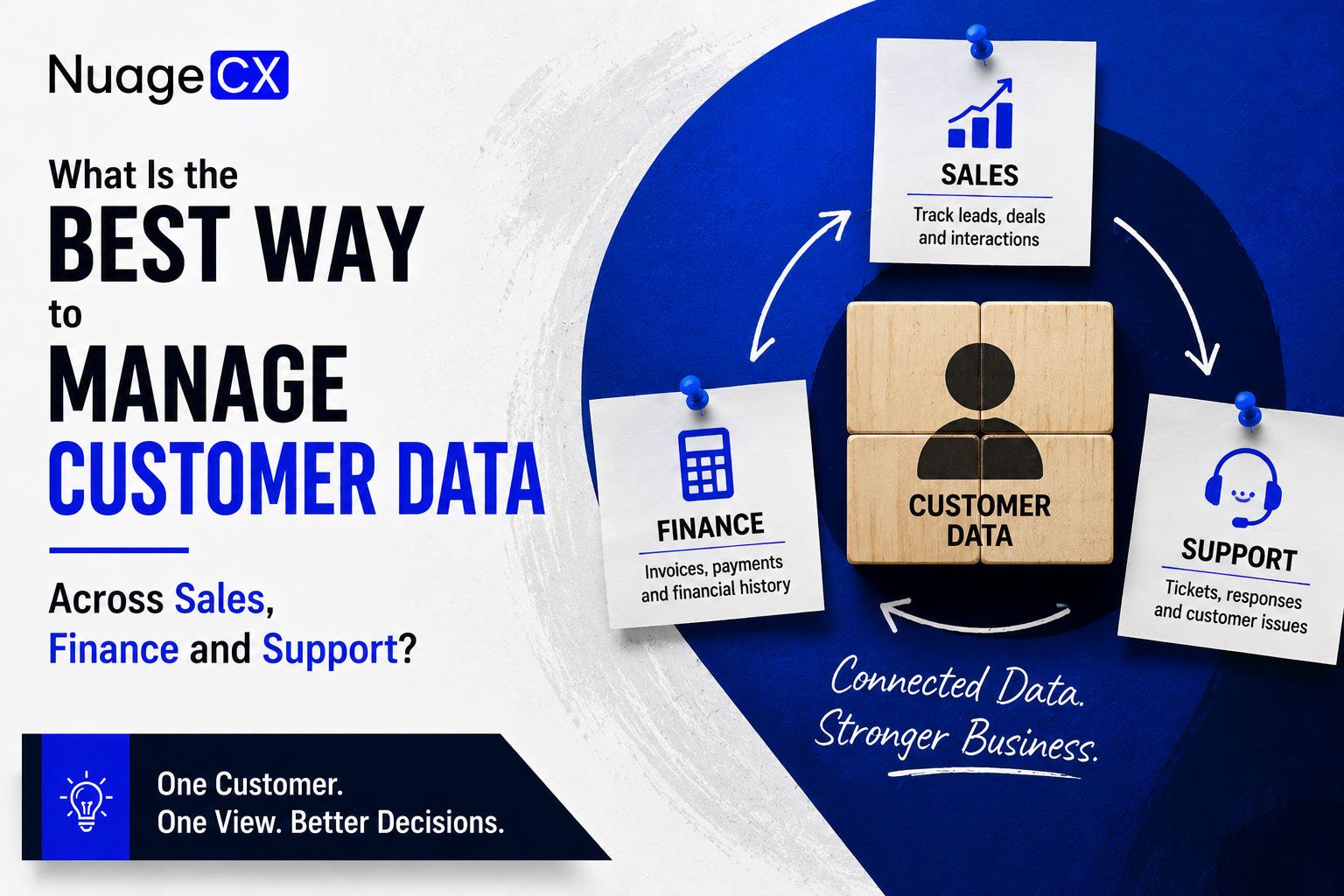
What Is the Best Way to Manage Customer Data Across Sales, Finance and Support?

Tanmay Dhake
September 2026
What Is the Best Way to Manage Customer Data Across Sales, Finance and Support?
Customer information is often spread across CRM, accounting, ERP, spreadsheets and support systems. Find a better way to connect customer data across sales, finance, operations and support using Zoho and a Customer 360 approach designed for complete business visibility.

Why NuageCX for Customer 360 and Business Automation?

Creating Customer 360 requires more than implementing CRM.

It requires understanding how customer information moves through the business.

NuageCX can help businesses assess and connect relevant processes across:
• CRM
• Sales
• Marketing
• Finance
• Accounting
• ERP
• Inventory
• HRMS
• Projects
• Customer Support
• Analytics
• Operations

Depending on the requirement, the solution can include Zoho CRM, Zoho One, Zoho Books, Zoho ERP, Zoho Inventory, Zoho Desk, Zoho Analytics, Zoho People, Zoho Projects, Zoho Creator and other Zoho applications.

The implementation can also include:
• Data migration
• Workflow automation
• System integration
• Customization
• Business process design
• Reporting
• Customer data synchronization

The goal is to create a connected business environment where relevant customer information is available to the teams that need it.

What Should You Consider Before Connecting Customer Data?

Customer data integration should be planned carefully.

Before implementation, businesses should identify:
• Where customer data currently exists
• Which system should be the primary customer record
• Which applications need customer information
• Which fields need synchronization
• Which workflows should trigger updates
• Which users need access
• Which information should remain restricted
• How duplicate records will be handled
• How historical data will be migrated
• How data quality will be maintained
• Which reports management needs

This is why customer data integration should not be treated as simply switching on an integration.

The business process and data architecture need to be understood first.

Why Customer Data Gets Fragmented as Businesses Grow

Customer data fragmentation usually starts innocently.

A business starts with a spreadsheet.
Then sales adopts a CRM.

Finance adopts accounting software.
Operations implements ERP.

Customer support gets a helpdesk.
Marketing adds another platform.

Each application solves a genuine business problem.
The problem appears when the applications do not share information effectively.

The same customer may then exist as:
• A lead in CRM
• A customer in accounting
• An account in ERP
• A contact in support
• A subscriber in marketing
• A row in a spreadsheet

These may represent the same customer but exist as separate records.

As the number of customers and employees increases, maintaining consistency becomes increasingly difficult.

This is why customer data architecture should be considered as the business grows.

The objective should be to create a connected environment before data fragmentation becomes an operational problem.

Should All Customer Data Be Stored in One System?

Not necessarily.

This is an important distinction.

Customer 360 does not mean every application must be replaced by one massive system.

Different applications can remain responsible for different business functions.

For example:
CRM → Customer and sales relationship
Accounting → Financial transactions
ERP → Operational processes
Support → Service interactions
HRMS → Employee information
Analytics → Business intelligence

The goal is to connect relevant information between these systems.

This approach can be more practical than forcing every business process into one application.

A connected ecosystem allows specialized systems to continue doing their jobs while contributing to the broader customer view.

What About Marketing Customer Data?

Customer data does not begin with sales.

A prospect may interact with your marketing before entering the CRM.

They may:
• Visit your website
• Download content
• Submit a form
• Respond to an advertisement
• Engage with an email
• Contact your business
• Attend an event

When marketing and CRM data are connected, businesses can better understand the transition from marketing engagement to sales opportunity.

A broader customer data environment can connect:
Marketing → Lead → CRM → Sales → Customer → Support → Retention

This becomes more valuable when marketing can understand which customers already exist and which prospects are still in the sales pipeline.

The result is less duplication and a more consistent customer journey.

Customer 360: One Customer, Multiple Business Touchpoints

A customer does not interact with your company through only one department.

A typical customer relationship may involve:
Marketing
Sales
Finance
Operations
Support
Account Management

Every interaction creates information.

Customer 360 connects the relevant information generated throughout this journey.

For example, management may want to understand:
Who is the customer?
What did they purchase?

How much business do they generate?
What invoices are outstanding?

What support issues have they raised?
How often do they engage?

Are there new opportunities?
Are they likely to renew?

This information may exist across multiple applications.

Customer 360 brings the relevant context together so that the business can understand the relationship more completely.

What Does a Customer 360 View Look Like in Practice?

Imagine a customer has been doing business with your company for three years.

Your CRM shows multiple opportunities.
Finance shows several invoices and payments.

ERP shows previous orders.
Support shows several service requests.

Marketing shows engagement with recent campaigns.
Analytics shows the customer's revenue contribution.

Without a connected environment, an employee may need to open several systems to understand this customer.

With Customer 360, relevant information can be brought into a more unified customer view.

The employee can understand the relationship faster.

This can help teams make better decisions around:
• Account management
• Customer service
• Renewals
• Cross selling
• Upselling
• Customer retention
• Sales prioritization

The value of Customer 360 is therefore not simply having more data.

It is having useful customer context when decisions need to be made.

How Can Businesses Improve Customer Data Without Replacing Everything?

Replacing every existing business system at once is not always practical.

A better approach may be to identify the highest value connections first.

For example:
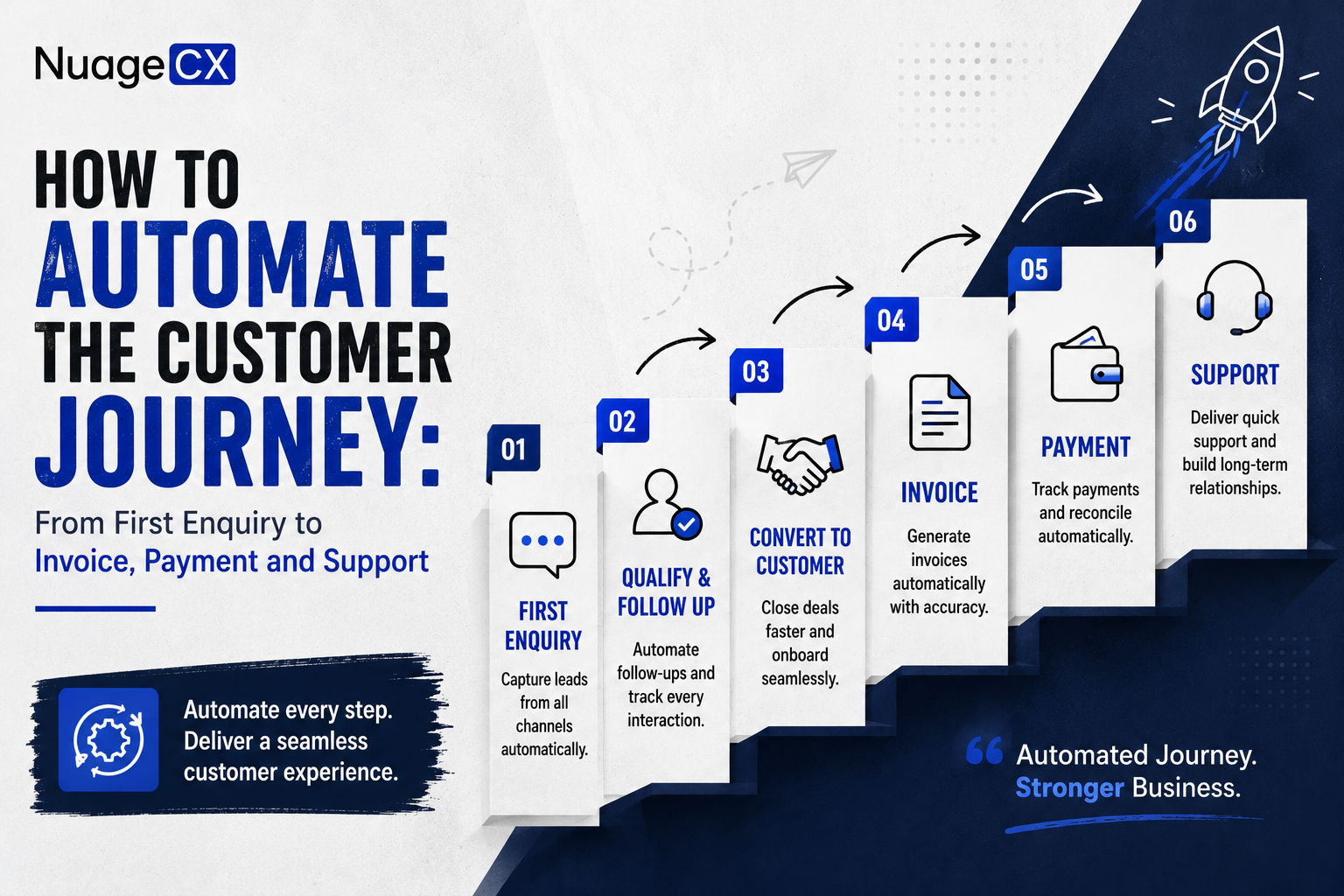
Step 1
Connect CRM with finance.

Step 2
Connect CRM with customer support.

Step 3
Connect CRM with ERP or inventory.

Step 4
Connect marketing with CRM.

Step 5
Connect relevant business data with analytics.

Step 6
Expand automation as the business requirements evolve.

This allows the business to build toward a connected environment rather than attempting a complete technology transformation overnight.

The correct sequence depends on the organization's priorities and existing technology.

How Should Customer Data Connect With ERP?

For businesses that sell products, manufacture goods or manage complex operational processes, the customer record often extends into ERP.

A customer may have:
• Sales opportunities
• Orders
• Products
• Inventory
• Production requirements
• Deliveries
• Purchase history
• Invoices
• Support requests

If CRM and ERP are disconnected, sales may not have operational visibility and operations may not have complete customer context.

A connected architecture can create a flow such as:
CRM → Sales Order → ERP → Inventory / Production → Delivery → Finance

This allows customer information to participate in both the commercial and operational lifecycle.

For manufacturing and distribution businesses, this connection can become particularly important because the customer relationship directly affects inventory, production and fulfilment.

Where Is Your Customer Data Actually Stored?

Most businesses have more customer data than they realize.

The problem is that it is rarely stored in one place.
Sales may maintain customer records in a CRM.

Finance may have a separate accounting database.
Operations may use ERP software.

Customer support may maintain service records in a helpdesk.
Marketing may have campaign and engagement data.

Employees may still use spreadsheets for information that does not exist anywhere else.

The result is a fragmented customer record.
One department sees the customer as a sales opportunity.

Another sees an invoice.
Another sees an order.

Another sees a support ticket.
The customer, however, sees all of these interactions as part of one relationship with your company.

If you are looking for the best way to manage customer data across sales, finance and support, the answer is not necessarily another database.

The bigger opportunity is to connect the systems that already manage different parts of the customer relationship.

That is the foundation of a Customer 360 approach.

Move From Customer Data Silos to Customer 360

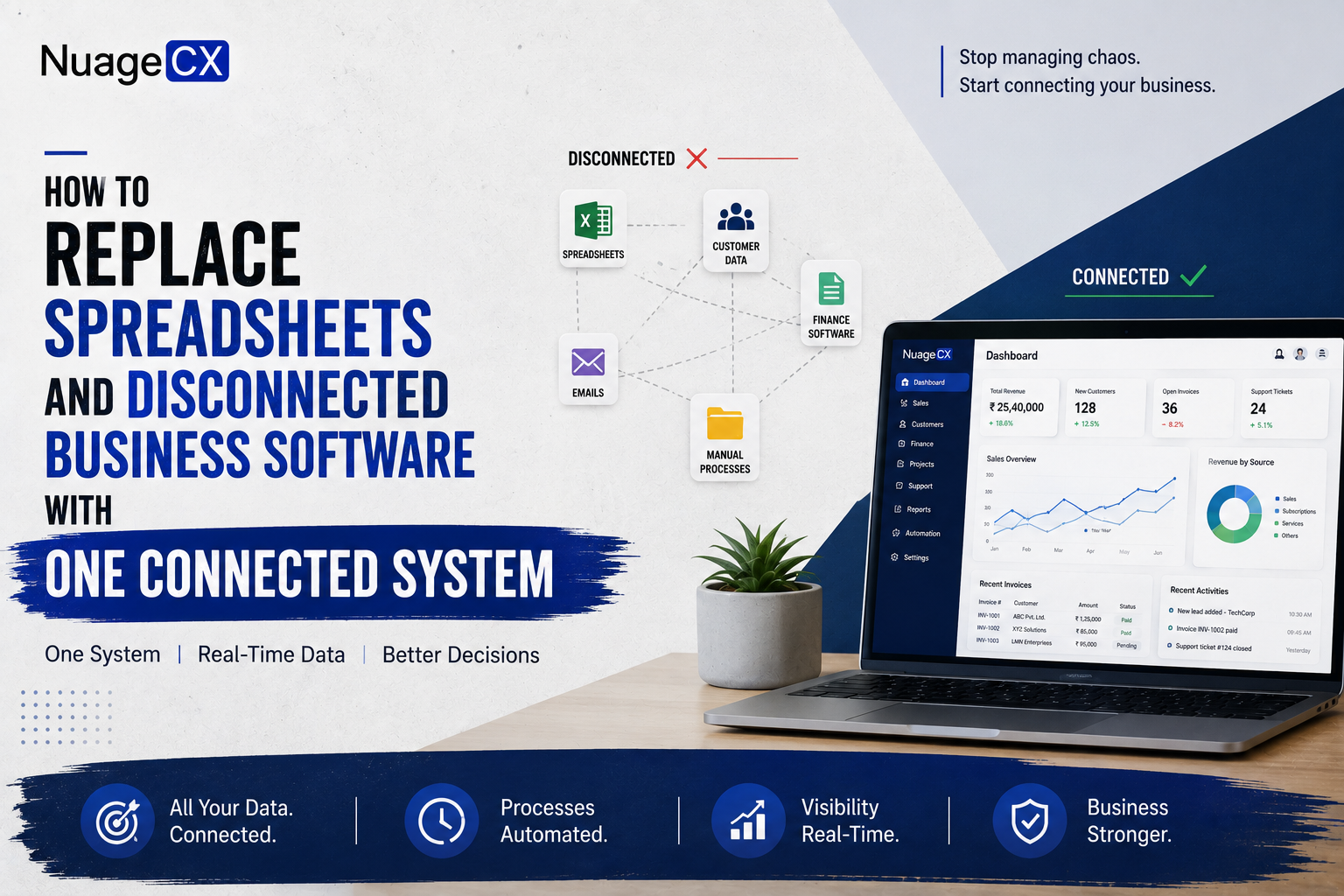
If your business currently has customer information spread across CRM, finance, ERP, spreadsheets and support systems, the problem is not necessarily the number of applications.

The problem is the lack of connectivity between them.

A connected architecture can allow your business to move from:
Disconnected Data
Connected Systems
Automated Workflows
Unified Customer Information
Customer 360

Zoho can provide the application ecosystem required for this transformation.

The implementation should then be designed around your actual business processes.

How Should Sales Customer Data Connect With Finance?

Sales and finance need different information, but they often depend on the same customer record.

Sales needs to know:
• Customer details
• Opportunities
• Products or services
• Deal value
• Commercial discussions
• Sales history

Finance needs to know:
• Customer information
• Orders
• Invoices
• Payments
• Outstanding balances
• Financial transactions

When these systems are connected, the customer relationship becomes easier to understand across departments.

For example:
Lead → Deal → Customer → Order → Invoice → Payment

Instead of manually transferring information between teams, relevant data can be connected through CRM and accounting workflows.

Zoho CRM and Zoho Books can form part of this architecture.

The specific integration and workflow should be designed around how the business currently creates customers, processes sales and manages finance.

Why Customer Data Migration Matters

Many businesses already have years of customer information.

It may exist in:
• Excel files
• Legacy CRM
• Accounting software
• ERP
• Helpdesk
• Marketing platforms
• Internal databases

Moving to a new environment without properly handling this information can create another data problem.

A structured migration process can include:
Data assessment
Data cleansing
Duplicate identification
Field mapping
Migration
Validation
Testing
Final synchronization

The objective is to move useful customer information into the new environment without carrying unnecessary duplication and inaccurate records forward.

This becomes especially important when a business is moving from multiple disconnected systems toward a connected Zoho ecosystem.

Ready to Connect Your Customer Data?

If your sales, finance, ERP and customer support teams are working with separate customer records, you may be losing valuable visibility across the customer lifecycle.

NuageCX helps businesses assess their current systems and design connected Zoho environments across CRM, sales, marketing, finance, ERP, HRMS, operations, customer support and analytics.

The objective is not simply to put your customer data into another CRM.

It is to create a connected business environment that gives your teams the information they need and builds toward a complete Customer 360 view.

Tell us where your customer data currently lives, which systems you use and what you want to connect.
CTA: Get Your Customer 360 Assessment


What Is the Best Way to Manage Customer Data?

For a growing business, the most effective approach is usually to create a connected customer data environment rather than maintaining independent departmental records.

A connected environment can bring relevant information from:
• CRM
• Sales
• Marketing
• Finance
• Accounting
• ERP
• Inventory
• Customer Support
• Projects
• Operations
• Analytics

into a structured customer ecosystem.

The objective is not to place every piece of information into one giant database.

Instead, each business application can continue performing its intended function while relevant customer information is connected between systems.

For example:
CRM manages the customer relationship.
Finance manages financial transactions.

ERP manages operational processes.
Support manages service interactions.

Analytics brings business information together for decision making.
When these systems communicate effectively, employees can work with a more complete understanding of the customer.

This is where the concept of Customer 360 becomes commercially valuable.

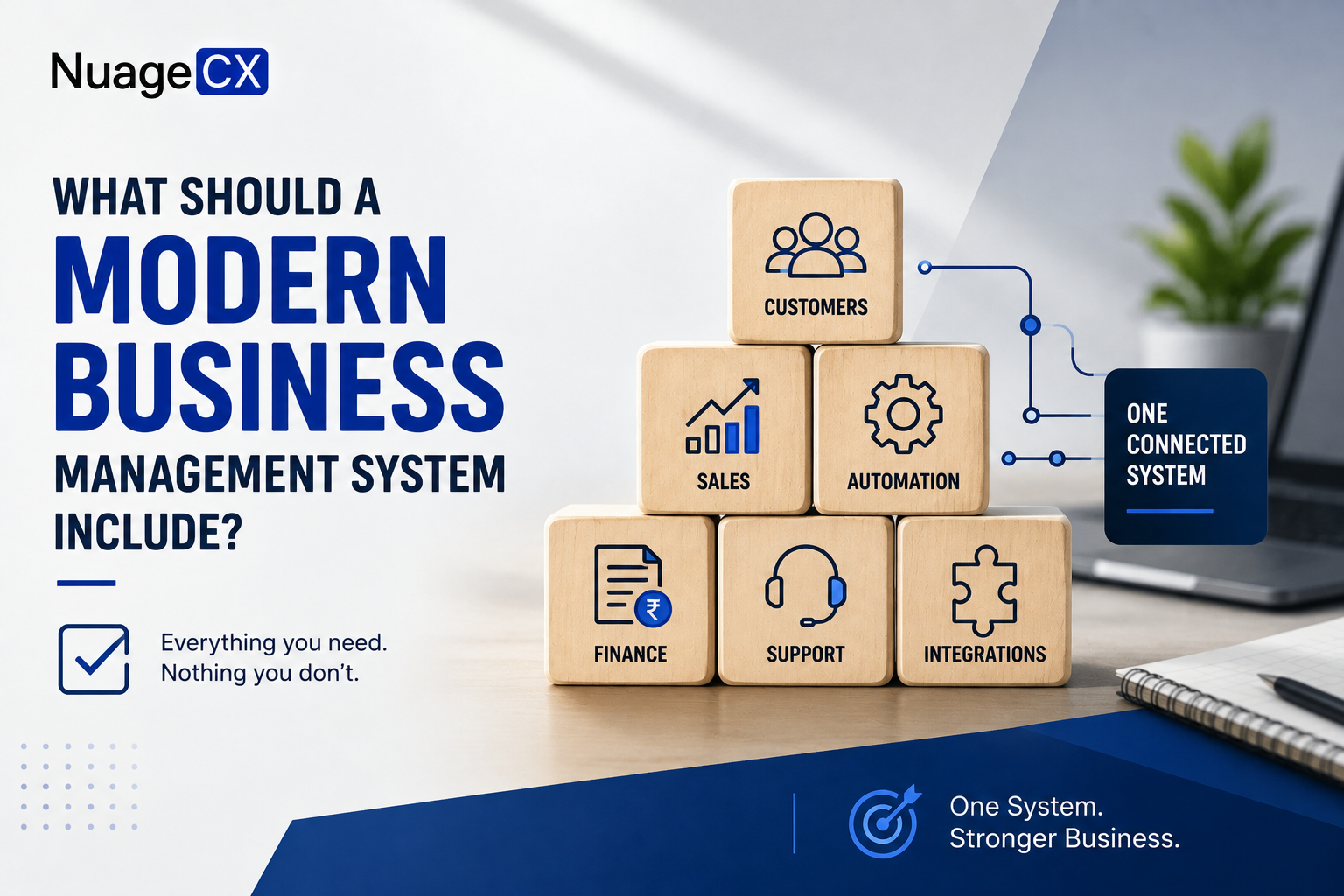
How Zoho Can Help Create a Connected Customer Data Environment

Businesses evaluating Zoho can build a connected environment across multiple business functions.

Depending on the requirement, this can include:
• Zoho CRM
• Zoho Books
• Zoho ERP
• Zoho Inventory
• Zoho Desk
• Zoho Analytics
• Zoho Projects
• Zoho People
• Zoho Payroll
• Zoho Recruit
• Zoho Creator
• Zoho Flow
• Zoho Campaigns
• Zoho SalesIQ
• Zoho Expense
• Zoho Sign

Each application can address a specific business requirement.

The larger opportunity is connecting the applications that need to share customer or operational information.

For organizations looking for broader business automation, Zoho One can also provide a wider ecosystem across multiple departments.

The right architecture depends on the organization's processes, existing technology and future requirements.


What Problems Does Disconnected Customer Data Create?

Disconnected customer data creates problems across the organization.

Sales may not know the customer's payment status.
Finance may not know the full commercial history.

Support may not know which products or services the customer purchased.
Marketing may not know whether a prospect has already become a customer.

Management may receive different customer numbers from different systems.
Employees may spend time searching multiple applications before responding to a customer.

This creates:
• Duplicate data entry
• Duplicate customer records
• Inconsistent information
• Slow customer response
• Manual reporting
• Poor cross department visibility
• Repetitive administrative work
• Difficulty identifying customer opportunities

The problem becomes particularly serious when the business wants to scale.

More customers create more records.
More records create more reconciliation.

More reconciliation creates more operational overhead.
A connected customer data environment can help reduce this complexity.

How Should Customer Data Connect With Customer Support?

Customer support is one of the most important sources of customer information after a sale.

A support team may know:
• What problems the customer is experiencing
• Which products they use
• Previous service requests
• Customer satisfaction issues
• Repeated technical problems
• Renewal concerns

Sales and account management may need this information.
At the same time, support may need information from CRM and finance.

For example, when a customer raises a support request, the team may need relevant context about the account, product, previous interactions or service relationship.

A connected environment can create a customer journey such as:
CRM → Customer → Purchase → Support → Account Management → Renewal

Zoho Desk can form the customer support layer while Zoho CRM maintains the broader customer and sales relationship.

The result is a more connected service experience.

Share this blog

Send us a Message

You Want To Implementing Zoho One

Let's discuss how we can help you achieve similar results with our proven methodologies and expertise.

More Blog Posts

View All

Blog Posts

Explore Our Latest Insights

Browse our complete collection of blog posts featuring industry insights, best practices, and innovative solutions across various technologies.