Customer 360 CRM Implementation for a Unified View of Customers & Sales
Connect customer, account, sales and relationship data within a broader Customer 360 environment using a CRM implementation designed around your business processes.
NuageCX helps businesses implement and configure CRM as a core component of Customer 360, with integrations across ERP, finance, customer service, marketing, automation and analytics.
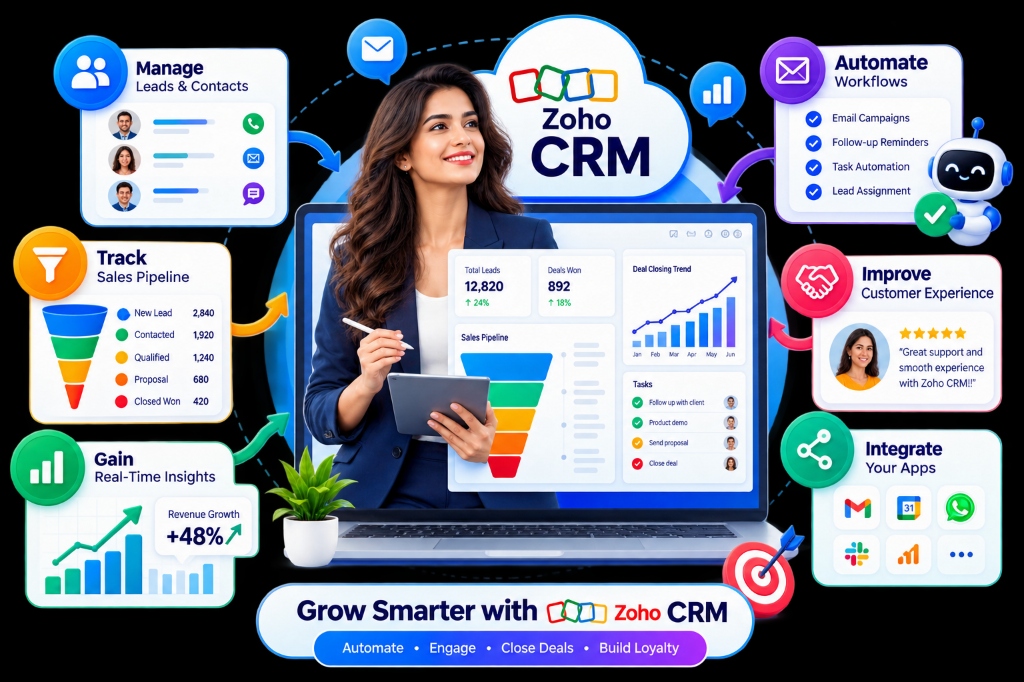
What Is Customer 360 CRM Implementation?
Customer 360 CRM implementation is the process of configuring and connecting a CRM environment so teams can access relevant customer, account, contact and sales information as part of a broader customer view.
A CRM can become a central customer relationship layer while other systems continue to provide operational, financial, service or marketing information.
A Customer 360 CRM Implementation Can Include:
The exact scope depends on the organization's customer journey, systems and business requirements.
Why Is CRM Important for Customer 360?
CRM contains critical relationship records, but CRM alone may not contain the complete commercial or service history of a customer.
Sales Teams Use CRM to Manage:
Connected Systems Provide Context:
How Does Customer 360 CRM Implementation Work?
A structured 13-step lifecycle aligned with the wider Customer 360 architecture.
Business Discovery
Understand sales processes, customer touchpoints, and business challenges.
Customer Journey Mapping
Map interactions from initial lead qualification to account expansion.
CRM Assessment
Review existing modules, pipelines, fields, user roles, and data quality.
Data Assessment
Identify customer information CRM needs to manage vs connected systems.
CRM Architecture
Define how CRM connects with ERP, Finance, Service, and BI Analytics.
Configuration
Structure leads, accounts, contacts, opportunities, and custom modules.
Integration
Connect CRM with backend ERP ledgers, helpdesks, and marketing tools.
Data Migration
Extract, clean, transform, and map customer records with validation.
Automation
Automate lead routing, follow-up reminders, onboarding, and approvals.
Analytics
Build dashboards around lead conversion, sales pipelines, and ARR growth.
Testing
Validate real business scenarios, webhooks, security roles, and workflows.
Deployment
Roll out user access, active migration, team training, and go-live.
Optimization
Continuously refine sales processes, adoption, and system performance.
Customer 360 CRM Configuration & Data Model
Structuring modules and record hierarchies around your actual sales and customer processes.
Leads
Capture and qualify prospective customers across channels.
Contacts
Maintain key customer contact details and communication logs.
Accounts
Manage organization structures, parent accounts, and relationships.
Opportunities
Track sales opportunities through defined pipeline stages.
Activities
Manage calls, meetings, tasks, follow-ups, and calendar events.
Products
Associate relevant products or services with customer relationships.
Pipelines
Structure sales workflows around business-specific requirements.
Custom Modules
Support specialized business data where standard modules are insufficient.
Typical Customer 360 CRM Data Hierarchy Structure
Data Migration & Cross-System Integrations
Moving historical records into CRM and connecting ERP, Service, and Marketing tools.
CRM Data Migration Workflow
- Data Extraction
- Data Mapping
- Data Cleansing
- Duplicate Identification
- Field Transformation
- Data Validation
- System Import
- Post-Migration Verification
CRM & ERP Complementary Sync
Leads, Contacts, Accounts, Opportunities, Sales activities, Customer relationships.
Orders, Products, Inventory, Invoices, Payments, Fulfillment, Operational data.
Service & Marketing Integration
- Open Support Tickets
- SLA & Resolution History
- Support Escalations
- Campaign Interactions
- Email Engagement
- Website Activity
- Lead Source Tracking
- Customer Segments
Customer 360 CRM Automation
Customer 360 CRM Analytics
CRM for Different Business Models & Industries
Adapting CRM architecture to B2B, B2C, B2B2C, and sector-specific operational flows.
B2B CRM
Manages organizations, decision-makers, buying groups, opportunities, account relationships, sales cycles, and account expansion.
B2C CRM
Focuses heavily on individual customer profiles, high-volume interactions, purchases, engagement, service history, and lifecycle stages.
B2B2C CRM
Represents multi-tiered relationships between enterprise businesses, distribution partners, resellers, and end customers.
Manufacturing
CRM manages commercial quotes while ERP manages plant production.
Distribution
CRM provides customer visibility while ERP manages warehouse stock.
SaaS & Tech
CRM tracks account health and ARR subscription expansion.
Professional Services
CRM manages pipeline while PSA manages billable hours.
When Should You Implement Customer 360 CRM?
Signs Your CRM Is Not Supporting Customer 360:
What Are the Benefits of Customer 360 CRM Implementation?
Customer 360 CRM Implementation Best Practices
Traditional CRM vs Customer 360 CRM & Phased Execution
Customer 360 CRM extends traditional CRM fundamentals into a connected customer ecosystem.
Traditional CRM vs Customer 360 CRM Implementation
Primarily CRM focused
CRM within a broader customer architecture
Sales-centric isolation
Customer lifecycle & cross-dept focused
Limited system context
Connected system context (ERP, Service, Finance)
Isolated CRM data fields
CRM plus relevant external operational data
Individual app optimization
Cross-system process optimization
CRM-only reporting
Broader customer and business visibility
Can Customer 360 CRM Be Implemented in Phases?
Yes. A phased roadmap reduces implementation risk while prioritizing fast business value.
Clean contacts, accounts, pipelines, and user security roles.
Connect sales deals with backend orders, inventory, and invoices.
Sync helpdesk support tickets and campaign engagement.
Implement cross-departmental lifecycle triggers.
Deploy consolidated executive dashboards and refine operations.
Implementation Cost Factors
- CRM Platform
- Number of Users
- CRM Configuration
- Data Migration
- Data Quality
- Integrations Count
- Customization Scope
- Workflow Automation
- Analytics Scope
- User Training
- QA & Testing
- Ongoing Support
Implementation Timeline Factors
- Number of Users
- CRM Complexity
- Existing Data Quality
- Migration Requirements
- Number of Integrations
- Custom Development
- Automation Scope
- Analytics Scope
- User Testing Pace
- Business Process Complexity
Customer 360 CRM Implementation With Zoho & NuageCX
Zoho CRM forms a powerful relationship foundation when connected across the broader Zoho and enterprise ecosystem.
Zoho Premium Partner
NuageCX works across the Zoho ecosystem to implement connected business solutions.
CRM & Journey Expertise
We design CRM around how customers and teams actually move through the business.
Integration Capability
Connect CRM with relevant ERP, finance, service, marketing, and custom apps.
Data-Focused Delivery
Address customer data structure, quality, relationships, and migration.
Process Automation
Automate defined sales and customer workflows with clear business rules.
Analytics & BI
Build executive reporting around CRM and connected customer data.
Tailored Customization
Adapt CRM functionality where standard out-of-the-box features fall short.
End-to-End Support
Support discovery, architecture, configuration, migration, testing, and deployment.
Frequently Asked Questions
Clear answers to common questions about Customer 360 CRM implementation, ERP sync, migration, and costs.
Build a Connected Customer 360 CRM Environment
Your CRM should not operate as an isolated database. Schedule your Customer 360 CRM assessment today.