Customer 360 Implementation Process: Across CRM, ERP, Data and CX
A successful Customer 360 implementation starts with understanding your business, customer journey, systems and data before connecting technology.
NuageCX helps businesses plan and implement Customer 360 through a structured process covering discovery, data, architecture, integration, automation, analytics and deployment.
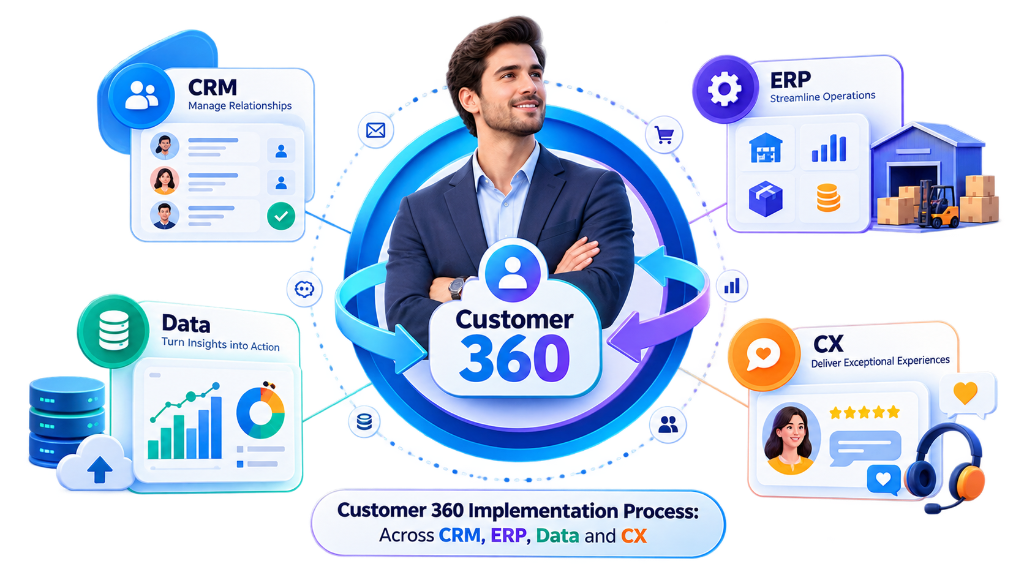
What Is the Customer 360 Implementation Process?
The Customer 360 implementation process is a structured approach to connecting relevant customer information, business systems and customer-facing processes into a unified customer environment.
Typical Implementation Sequence:
The exact process depends on the organization's existing technology, data, business processes, integration requirements and customer lifecycle.
How Does Customer 360 Implementation Work?
Customer 360 implementation should begin with the business problem rather than the technology.
Understand the Business
Identify business objectives, departments, customer journeys and operational requirements.
Identify Customer Data
Find where customer information currently exists across all touchpoints.
Assess Existing Systems
Review CRM, ERP, finance, service, marketing, e-commerce and custom applications.
Identify Gaps
Determine where information is fragmented, duplicated, inaccessible or manually transferred.
Design the Architecture
Define how relevant systems, data and processes should work together.
Integrate Systems
Connect appropriate applications and data sources via APIs and connectors.
Unify Customer Information
Establish customer identity, relationships, data mapping and appropriate data standards.
Automate Processes
Automate defined workflows across the entire customer lifecycle.
Build Analytics
Create real-time executive dashboards and reporting around relevant customer information.
Test the Environment
Validate data, integrations, workflows, permissions and business processes.
Deploy
Roll out the solution to the relevant users and teams with structured training.
Optimize
Monitor usage, data quality and business requirements and improve the environment over time.
Customer 360 Implementation Framework
In-depth breakdown of all 12 operational phases required for enterprise transformation.
Business Discovery
Establishes what the business is trying to achieve.
Customer Journey Mapping
Map how customers interact with the organization across all stages.
Customer Data Assessment
Identify where customer information currently exists and audit quality.
Technology Assessment
Review the existing technology environment to determine what to retain, connect, or replace.
Customer 360 Architecture Design
Define how customer information and business processes connect.
Customer 360 Integration
Connect relevant systems so appropriate information moves seamlessly.
Customer Data Unification
Establish how customer information from different sources represents the same customer.
Customer 360 Automation
Automate defined business workflows based on rules rather than simply automating every process.
Customer 360 Analytics
Connected customer information supporting reporting across key revenue metrics.
System Testing
Validate data, integrations, workflows, permissions, and business processes before launch.
Customer 360 Deployment
Rollout planned around organization users and operational risks.
Customer 360 Optimization
Continuously improve the environment after go-live as requirements evolve.
How Long Does Implementation Take?
There is no universal Customer 360 implementation timeline. The duration depends on:
- Number of Systems
- Number of Users
- Data Volume
- Data Quality
- Integrations Count
- Integration Complexity
- Customization
- Data Migration
- Automation Rules
- Analytics Scope
- Geographic Scope
- Business Complexity
How Much Does Implementation Cost?
Customer 360 implementation cost depends on scope and complexity factors:
- CRM Implementation
- ERP Integration
- Data Migration
- Data Cleansing
- Data Unification
- Integrations Count
- Custom Development
- Automation Scope
- Analytics Scope
- User Requirements
- Testing & QA
- Training & Support
When Should You Implement Customer 360?
Implementation is appropriate when facing these operational triggers:
Who Should Be Involved?
Cross-functional team roles required for successful rollout:
Customer 360 Implementation With Zoho
Zoho can form the foundation of a Customer 360 environment depending on business requirements.
A Zoho Customer 360 implementation should begin with business requirements and then determine which applications and integrations are appropriate.
Industry-Specific Implementation Workflows
Tailored Customer 360 implementation process flows across vertical business models.
Manufacturing
Requirements:
- Customer account visibility
- Quotation history
- Order status
- Production information
- Inventory context
- Delivery information
- Invoice visibility
- Service history
Distribution
Requirements:
- Order fulfillment tracking
- Warehouse inventory visibility
- Logistics coordination
- Invoice reconciliation
- Margin reporting
SaaS & Software
Requirements:
- Account health scoring
- Subscription MRR/ARR
- Support SLA history
- Automated onboarding
- Expansion detection
E-commerce
Requirements:
- Omnichannel profiles
- Order status sync
- Payment reconciliation
- Targeted marketing
- Returns management
Professional Services
Requirements:
- Client relationship management
- Project milestone tracking
- Time & expense billing
- Resource allocation
International Businesses
Requirements:
- Multiple currencies
- Legal entity mapping
- Regional data residency
- Localization rules
- Regional privacy compliance
Common Implementation Challenges
Fragmented Customer Data
Information may exist across multiple disconnected systems.
Duplicate Records
The same customer may appear under different names or identifiers.
Poor Data Quality
Records may be incomplete or inconsistent.
Complex Integrations
Applications may use different APIs, structures and identifiers.
Legacy Systems
Older applications may require specialized integration approaches.
Manual Processes
Teams may depend on spreadsheets and repetitive data entry.
Lack of Data Ownership
Different departments may maintain conflicting customer information.
User Adoption
Teams need appropriate workflows, training and processes.
Implementation Best Practices
Start With Business Objectives
Define the problem before selecting technology.
Map the Customer Journey
Understand how customers interact with the organization.
Establish Data Ownership
Define which systems are authoritative for relevant information.
Prioritize Integrations
Connect systems that create meaningful business value.
Address Data Quality Early
Do not carry poor-quality customer information into the new environment.
Automate Selectively
Automate processes that are clearly defined and repeatable.
Design for Scalability
Allow the architecture to evolve with the organization.
Test Before Deployment
Validate data, workflows and integrations.
Measure Adoption
Ensure teams are actually using the solution.
Optimize Continuously
Customer requirements and technology environments change over time.
Customer 360 Process Comparisons
How Customer 360 implementation compares to CRM implementation, CRM integration, and CDP.
Customer 360 Implementation vs CRM Implementation
Focuses primarily on sales pipeline & contacts
Connects sales, operations, finance, support & analytics
Limited visibility into invoices & inventory
Encompasses CRM, ERP, Finance, Service, Marketing, Data, Automation & Analytics
Used mainly by sales & account reps
CRM is an important component of Customer 360 without being the complete environment
What Should You Prepare Before Implementation?
Before starting, businesses should identify key assets to optimize discovery:
What Should a Partner Provide?
A capable implementation partner should support end-to-end capabilities:
Why Choose NuageCX for Customer 360 Implementation?
We look beyond individual software applications and design connected solutions around your full business lifecycle.
Zoho Premium Partner
NuageCX works across the Zoho ecosystem to help businesses implement connected business solutions.
Customer 360 Approach
We look beyond individual applications and consider the broader customer lifecycle.
CRM + ERP Understanding
Connect customer-facing and operational processes where appropriate.
Integration Capability
Connect relevant applications and data sources via APIs and connectors.
Data Management
Address customer identity, structure, quality and relationships.
Automation
Identify and implement appropriate workflows based on defined business rules.
Analytics
Create reporting around connected customer information to drive business decisions.
Custom Solutions
Adapt the solution to business-specific processes.
End-to-End Implementation
Support discovery, architecture, implementation, testing, deployment and optimization.
Frequently Asked Questions
Clear answers to common questions about Customer 360 implementation process, timeline, and cost.
Start Your Customer 360 Implementation
A successful Customer 360 implementation is built around your business processes, customer journey, data and technology environment.