Ready to start?Request Consulting

Tally to Zoho Books Migration: Step-by-Step Guide

Avishkar KesarkarOctober 20265 min read
Tally to Zoho Books Migration: Step-by-Step Guide
The short answer

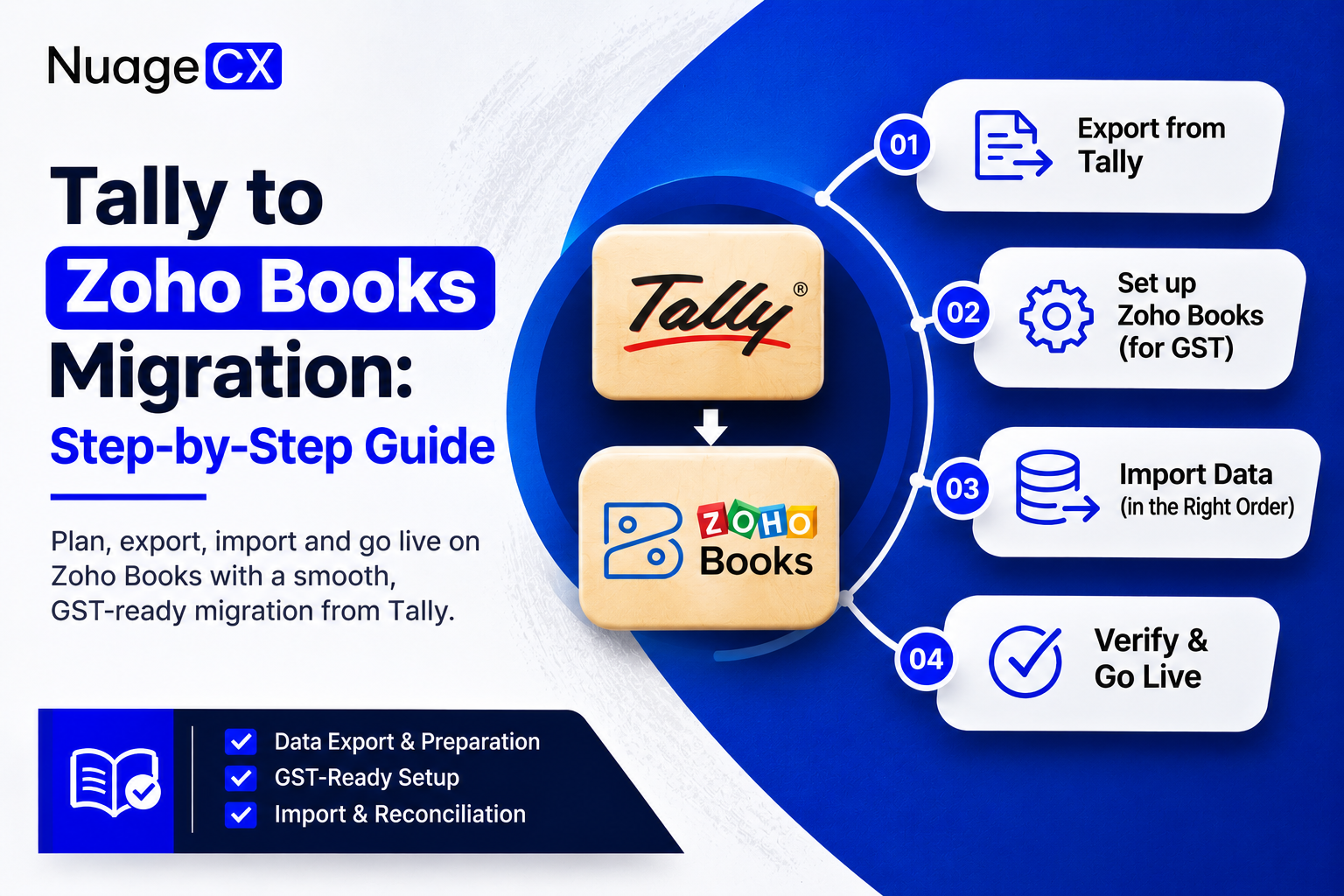
Planning to move from Tally to Zoho Books? This step-by-step guide covers what to export from Tally, how to set up Zoho Books for GST, the right order to import your data, and how to check that your books match before you go live.

01

Why Indian businesses move from Tally to Zoho Books?

Tally has been the default accounting software for Indian businesses for years. But as teams grow, work remotely and use more apps, many businesses move to Zoho Books, a cloud accounting platform that is GST-ready and connects with the rest of the Zoho suite.

Common reasons to switch:

  • Access your books from anywhere, without a single office PC or remote desktop setup
  • Let your accountant, sales team and management work in the same system with role-based access
  • Send invoices, collect payments and reconcile bank accounts online
  • Connect accounting with Zoho CRM, Zoho Inventory and other apps your business already uses

The move itself is where many businesses get stuck. A rushed migration leads to wrong opening balances, mismatched GST figures and months of clean-up. This guide walks you through the process in the right order.
02

Tally vs Zoho Books: key terms to know

Zoho Books uses different names for many things you already know from Tally. Keep this list handy while you map your data:

  • Account Masters → Chart of Accounts
  • Sundry Debtors → Accounts Receivable (Customers)
  • Sundry Creditors → Accounts Payable (Vendors)
  • Stock Items → Items
  • Quotation / Proforma Invoice → Quote
  • Receipt Vouchers → Payments Received
  • Payment Vouchers → Payments Made
  • Debit Note → Vendor Credits
03

Step 1: Plan your migration and choose a cut-over date

Before you export anything, decide two things.

Your cut-over date. This is the date from which you will record new transactions only in Zoho Books. The cleanest choice is the start of a financial year, quarter or month, because your closing balances on that date become your opening balances in Zoho Books.

How much history to move. Most businesses move master data (ledgers, customers, vendors, items) and opening balances, plus any unpaid invoices and bills. Older completed transactions usually stay in Tally for reference. Moving every past voucher takes much longer and is rarely needed.

04

Step 2: Clean up your data in Tally

Migration is the best time to fix old mistakes. Before exporting:

  • Merge duplicate ledgers, customers and vendors
  • Mark or remove inactive stock items
  • Check that every customer and vendor has the correct GSTIN, state and address
  • Confirm that your trial balance is correct as of the cut-over date

Clean data in means clean books out. Errors you carry over are much harder to fix later.

05

Step 3: Export the right reports from Tally

Export these from Tally, usually to Excel:

  • Chart of Accounts (all ledgers and groups)
  • Customer list (Sundry Debtors) with GSTIN and contact details
  • Vendor list (Sundry Creditors) with GSTIN and contact details
  • Stock items with HSN/SAC codes, units and tax rates
  • Trial balance as of your cut-over date
  • Outstanding customer invoices and vendor bills as of that date
  • Closing stock quantities and values, if you track inventory

Save a full Tally backup as well before you start. You will want it for audits and reference.

06

Step 4: Set up your Zoho Books organisation

Now prepare Zoho Books to receive the data:

  • Enter your organisation details, base currency and financial year
  • Set up GST: your GSTIN, the tax rates you use and your place of supply settings
  • Enable the modules you need, such as quotes, sales orders, inventory or recurring bills
  • Create custom fields for any important information Tally held that Zoho Books does not have by default
07

Step 5: Import your data in the right order

Order matters, because later imports depend on earlier ones:

  1. Chart of Accounts: Zoho Books lets you import it in bulk from a file
  2. Customers and vendors: with GSTIN and contact details
  3. Items: with HSN/SAC codes and tax rates
  4. Opening balances: enter your trial balance as of the cut-over date
  5. Unpaid invoices and bills: so receivables and payables match
  6. Bank accounts: add them and set the opening bank balance

Use Zoho Books’ own import templates and map each Tally column to the matching Zoho Books field.

08

Step 6: Check that your books match

Do not go live until the numbers agree:

  • Trial balance in Zoho Books matches Tally as of the cut-over date
  • Customer and vendor balances (receivables and payables) match
  • Stock quantities and values match, if you track inventory
  • GST figures look right on a test invoice and a test bill

Many businesses also run both systems side by side for a short period to be sure.

09

Step 7: Go live and train your team

Once everything matches:

  • Start recording all new transactions only in Zoho Books
  • Connect your bank feeds for faster reconciliation
  • Set up invoice templates, payment reminders and user roles
  • Train your accounts team on daily tasks and month-end closing
10

Common Tally to Zoho Books migration mistakes

  • Choosing a mid-month cut-over date, which makes opening balances hard to match
  • Importing duplicate or inactive ledgers from Tally
  • Missing or wrong GSTIN on customers and vendors
  • Importing transactions before the Chart of Accounts and contacts
  • Going live without matching the trial balance
11

Frequently asked questions

 Can I move all my old transactions from Tally?
Yes, it is possible, but most businesses only move masters, opening balances and open invoices and bills. Older history stays available in your Tally backup.

When is the best time to migrate?

At the start of a financial year, quarter or month. Your closing balances on that date become clean opening balances in Zoho Books.

Do I need to stop using Tally on the day I switch?

No. Many businesses keep Tally running in parallel for a short time, while they check that Zoho Books matches.

How long does a Tally to Zoho Books migration take?

It depends on how much data you have, how clean it is, and whether you track inventory or multiple branches. Clean data and a clear cut-over date make it much faster.


12

Need help with your Tally to Zoho Books migration?

NuageCX is a Zoho Premium Partner. We plan the cut-over, clean and map your Tally data, set up Zoho Books for GST, and reconcile your books before you go live, so your team can start working in Zoho Books with confidence.

Talk to our Zoho Books experts for a free migration consultation.

Found this useful? Share it.

Send us a message

We usually reply within one business day.

Loading security verification...
Next steps

Ready to get started?

Let's discuss how we can help you achieve similar results with our proven methodologies and expertise.

More Blog Posts

View All

Blog Posts

Explore Our Latest Insights

Browse our complete collection of blog posts featuring industry insights, best practices, and innovative solutions across various technologies.