Ready to start?Request Consulting

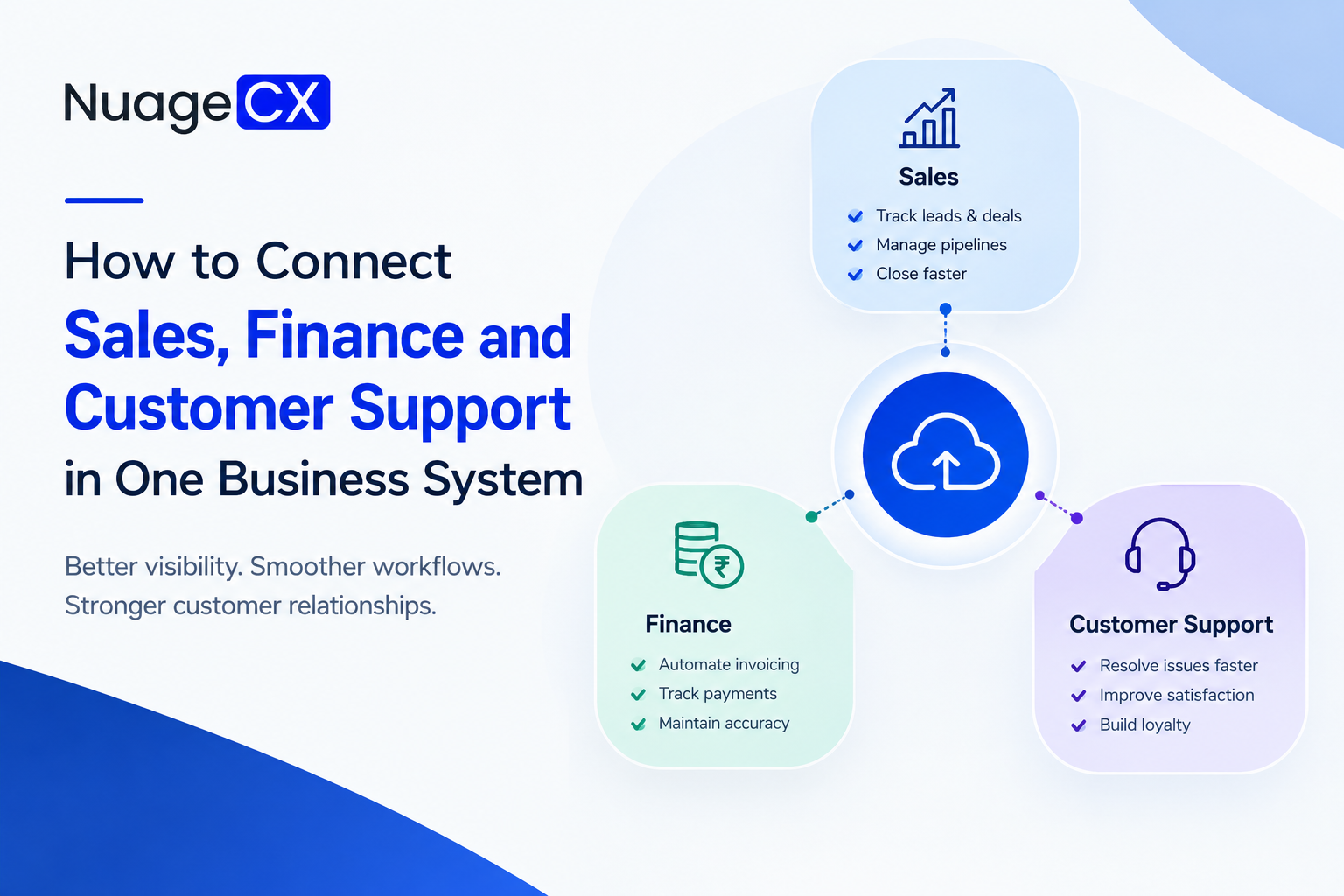
How to Connect Sales, Finance and Customer Support in One Business System

Tanmay Dhake
September 2026
How to Connect Sales, Finance and Customer Support in One Business System
Are sales, finance and customer support using separate systems? Learn how businesses can connect CRM, accounting, ERP and customer support workflows through Zoho to create one connected business system, improve customer visibility and build a Customer 360 experience.

Why Business Process Design Comes Before Software Implementation

Technology should follow the business process.

Before implementing a connected Zoho environment, businesses should understand:
• How leads enter the organization
• How sales qualifies opportunities
• How deals are approved
• How orders are processed
• How invoices are generated
• How payments are tracked
• How operations fulfil orders
• How customers request support
• How marketing interacts with customers
• How management receives reports

Once these processes are mapped, the technology architecture becomes much clearer.

You can then determine:
Which application should own the data?

Which systems need to communicate?

Which workflows should be automated?

Which information should be synchronized?

Which teams need access?

Which processes require customization?

This approach avoids implementing software first and trying to force the business into it later.

How Customer 360 Connects These Departments

Connecting sales, finance and support is ultimately about more than internal efficiency.

It is about understanding the customer.
Consider the information available across your business.

CRM knows the customer's sales history.
Finance knows invoices and payments.

ERP knows orders and fulfilment.
Support knows service interactions.

Marketing knows engagement.
Analytics knows business performance.

When these systems remain separate, each department sees only part of the relationship.

A Customer 360 approach brings the relevant information together.

For example:
CRM → Who is the customer?
Sales → What opportunities exist?
Finance → What has been invoiced and paid?
ERP → What has been ordered or delivered?
Support → What issues have been raised?
Marketing → How has the customer engaged?
Analytics → What does the overall relationship look like?

This creates a broader customer view across the organization.

Customer 360 therefore becomes the outcome of connected business systems rather than simply another software feature.

What Happens If You Keep Your Systems Disconnected?

Disconnected systems do not always create an obvious problem on day one.

The problems appear as the business grows.
More customers mean more duplicate records.

More sales mean more information moving between departments.
More invoices mean more reconciliation.

More support tickets mean more customer context to retrieve.
More employees mean more internal coordination.

More applications mean more data silos.

Eventually, employees spend a significant amount of time keeping systems synchronized instead of focusing on customers and business growth.

This is why businesses should consider connectivity before the number of software applications becomes difficult to manage.

If the current environment already includes multiple systems, integration and process redesign may be more valuable than adding another standalone tool.

Why Are Sales, Finance and Customer Support Still Working Separately?

A customer may interact with several departments during a single business relationship.

Sales manages the opportunity.
Finance manages invoices and payments.

Operations manages orders and delivery.
Customer support manages service requests.

Yet each department may have its own software, database or spreadsheet.

This creates a common business problem.

The customer sees one company, but internally the company operates through disconnected systems.

Sales may not know whether an invoice has been paid.
Finance may not know the complete sales history.

Support may not know what the customer purchased.
Management may have to combine information from several applications to understand the account.

If your business is looking for a way to connect sales, finance and customer support, the solution should not simply be another application.

It should be a connected business system.

That system should allow relevant information to move between departments while maintaining a consistent customer record.

This is where a connected Zoho ecosystem can become valuable for businesses looking beyond standalone CRM or accounting software.

Why NuageCX for Connected Zoho Business Automation?

Connecting sales, finance and customer support requires more than activating integrations.

The systems need to be designed around the business.

NuageCX can help businesses assess their current processes, identify system gaps and design a connected Zoho environment across relevant business functions.

Depending on the requirement, the solution can involve:
• Zoho CRM
• Zoho One
• Zoho Books
• Zoho ERP
• Zoho Inventory
• Zoho Desk
• Zoho Analytics
• Zoho People
• Zoho Payroll
• Zoho Projects
• Zoho Creator
• Zoho Flow
• Custom integrations
• Workflow automation
• Data migration
• Business process customization

The objective is to create a connected environment in which customer information can move through the business without unnecessary manual handoffs.

Connect Sales and Finance Instead of Moving Customer Data Manually

One of the most common business process gaps exists between sales and finance.

A salesperson closes a deal.
Then finance receives the information.

Someone creates or updates the customer record.
Someone creates an invoice.

Someone checks payment status.
The sales team follows up separately.

This process can create unnecessary manual work.

A connected CRM and finance environment can create a more structured flow:
Lead → Opportunity → Deal → Customer → Order → Invoice → Payment

Zoho CRM can manage customer and sales information while Zoho Books can support accounting and finance processes.

When configured correctly, the relevant information can move between the systems according to the business workflow.

This can help reduce duplicate data entry and give teams better visibility into the customer relationship.

The objective is not simply to connect CRM and accounting software.

It is to connect the commercial lifecycle.

Ready to Connect Sales, Finance and Customer Support?

If your teams are working across disconnected CRM, accounting, ERP, support and operational systems, replacing one application may not solve the problem.

You need to understand how the complete customer journey moves through your organization.

NuageCX helps businesses design and implement connected Zoho solutions across CRM, sales, marketing, finance, ERP, HRMS, inventory, operations, customer support and analytics.

Whether you need to connect existing systems, implement Zoho CRM, deploy Zoho One or create a broader Customer 360 environment, the starting point should be your business processes.

Tell us which systems you currently use, what is disconnected and what you want to automate.

Build a Connected Business Around Your Customer

Your customers do not think about your internal departments.

They do not care whether sales uses one application, finance uses another and support uses a third.

They expect the company to know who they are and understand their relationship with the business.

That requires internal connectivity.

Sales should know relevant customer history.
Finance should know the commercial relationship.

Operations should know what needs to be delivered.
Support should know what the customer has purchased.

Management should be able to see the overall relationship.
This is the business case for connecting CRM, finance, ERP and customer support.

And it is the foundation for building Customer 360.

Where Does ERP Fit Into a Connected Sales and Finance System?

For businesses with products, inventory, manufacturing or complex operations, connecting CRM and accounting may not be enough.

ERP may sit between customer demand and business fulfilment.

A typical flow could look like:
CRM → Sales Order → ERP → Inventory / Production → Delivery → Finance → Support

Sales needs visibility into what can be delivered.
Operations needs visibility into what was sold.

Finance needs transaction information.
Support needs to know what the customer received.

Management needs visibility across the complete process.
Without integration, employees may move information manually between systems.

With the right architecture, the relevant processes can be connected.

This is particularly important for manufacturing, distribution, trading and other businesses where customer orders directly influence operational processes.

Connect Finance With Customer Support

Finance and customer support may appear to be unrelated functions.
For the customer, they can be closely connected.

A customer may contact support regarding an order, subscription, service, payment or invoice.

If the support team cannot access the relevant customer information, the customer may have to explain the situation again.

A connected environment can allow support teams to work with relevant information such as:
• Customer profile
• Purchase history
• Orders
• Invoices
• Payment status
• Products or services
• Previous support interactions

This does not mean every support employee needs unrestricted access to financial information.

Access should be controlled according to business roles and permissions.

The objective is to make the right information available when it is required.

Zoho Desk can form part of this customer support layer, while CRM and finance applications provide additional customer context.

The result is a more connected customer experience.

Can Zoho Connect Sales, Finance, ERP and Support?

For businesses evaluating Zoho, the ecosystem can provide multiple applications for different business functions.

Depending on the requirement, a connected environment can include:
• Zoho CRM
• Zoho Books
• Zoho ERP
• Zoho Inventory
• Zoho Desk
• Zoho Analytics
• Zoho Projects
• Zoho People
• Zoho Payroll
• Zoho Recruit
• Zoho Creator
• Zoho Flow
• Zoho SalesIQ
• Zoho Campaigns
• Zoho Expense
• Zoho Sign

This creates an opportunity to build a broader business environment rather than purchasing unrelated applications for every department.

Zoho One can also be considered when a business wants a broader suite of applications under one ecosystem.

However, simply purchasing several Zoho applications does not create a connected business.

The architecture, data model, integrations, workflows and implementation approach determine how effectively the environment operates.

What Happens When Sales, Finance and Support Are Connected?

Connecting departments changes the way information moves through the business.

Instead of:
Sales → Email → Finance → Spreadsheet → Support

you can design a connected workflow such as:
CRM → Order → Finance → Payment → Support

The exact workflow depends on the business.
But the principle remains the same.

Information captured during one stage of the customer journey should be available to the next team when it is relevant.

For example, when a deal is closed, the relevant customer and transaction information can move into the next business process.

When an order is fulfilled, finance can work with the required transaction information.

When the customer contacts support, the support team can access relevant customer context.

Management can then analyze activity across these stages.

This creates a connected customer lifecycle rather than separate departmental processes.

What Should a Connected Business System Include?

There is no single software configuration that is right for every business.

However, a connected business system may include:
CRM
For leads, customers, opportunities and sales.

Finance and Accounting
For invoices, payments, receivables and financial records.

ERP and Inventory
For orders, products, procurement, inventory and operations.

Customer Support
For tickets, service requests and customer interactions.

Marketing
For campaigns, engagement and lead generation.

Analytics
For management reporting and business intelligence.

HRMS
For employees, attendance, leave and people processes.

Projects
For project delivery, tasks and customer engagements.

Workflow Automation
For connecting processes across applications.

The important part is not how many applications you implement.

It is how effectively the required applications work together.

Connect Sales With Customer Support

The relationship between sales and customer support should not end when the deal is closed.

Support teams often become one of the most important sources of customer information after the sale.

They know:
• What problems customers are experiencing
• Which products generate support requests
• Which accounts require additional attention
• Which customers may need renewals
• Which customers may have expansion opportunities

Sales teams can benefit from this information.
Likewise, support teams can benefit from understanding the customer's commercial relationship.

A connected CRM and support environment can help create this visibility.

For example:
Customer → Sales History → Products Purchased → Support Tickets → Account Activity → Future Opportunity

This allows customer information to become useful across the complete lifecycle instead of remaining trapped inside individual departments.

What Businesses Can Automate After Connecting These Systems

Once the core systems are connected, businesses can identify workflows that previously required manual coordination.

Examples can include:
• Automatically creating or updating customer records
• Moving qualified opportunities through sales stages
• Triggering finance processes after a successful sale
• Synchronizing relevant order information
• Sending customer notifications
• Creating support workflows
• Assigning service requests
• Triggering internal approvals
• Updating account information
• Generating management reports
• Alerting teams about important customer events

The exact automation depends on the business process.
For example, a service business may prioritize CRM, projects, finance and support.

A manufacturing company may prioritize CRM, ERP, inventory, production, finance and support.

A professional services company may prioritize CRM, projects, finance, HR and customer support.

The right automation architecture should therefore be designed around the organization's actual workflow.

Share this blog

Send us a Message

You Want To Implementing Zoho One

Let's discuss how we can help you achieve similar results with our proven methodologies and expertise.

More Blog Posts

View All

Blog Posts

Explore Our Latest Insights

Browse our complete collection of blog posts featuring industry insights, best practices, and innovative solutions across various technologies.