Ready to start?Request Consulting

How to Choose the Right CRM for Your Business: Features, Automation and Integrations

Tanmay Dhake
September 2026
How to Choose the Right CRM for Your Business: Features, Automation and Integrations
Looking for the right CRM for your business? Compare CRM capabilities, automation, integrations, scalability and business requirements to find a system that can connect sales, marketing, finance, support, ERP and other business functions while building a complete Customer 360 view.

Choosing a CRM Is No Longer Just About Managing Leads

If you are searching for the right CRM, you probably already know that your business needs a better way to manage customers and sales.

But the real requirement may be much larger.

You may need to capture leads from your website, manage sales opportunities, automate follow ups, connect marketing campaigns, generate quotations, manage customer accounts, coordinate finance, track orders, support customers and understand business performance.

At that point, choosing a CRM based only on contact management and sales pipelines can leave your business with another disconnected system.

The better question is:
"Which CRM can become part of the way my entire business operates?"

For growing businesses, CRM selection should consider not only sales functionality but also automation, integrations, scalability, finance, ERP, customer support, analytics and the ability to create a connected customer view.

That is why the right CRM decision should be based on your complete business process rather than a list of isolated features.

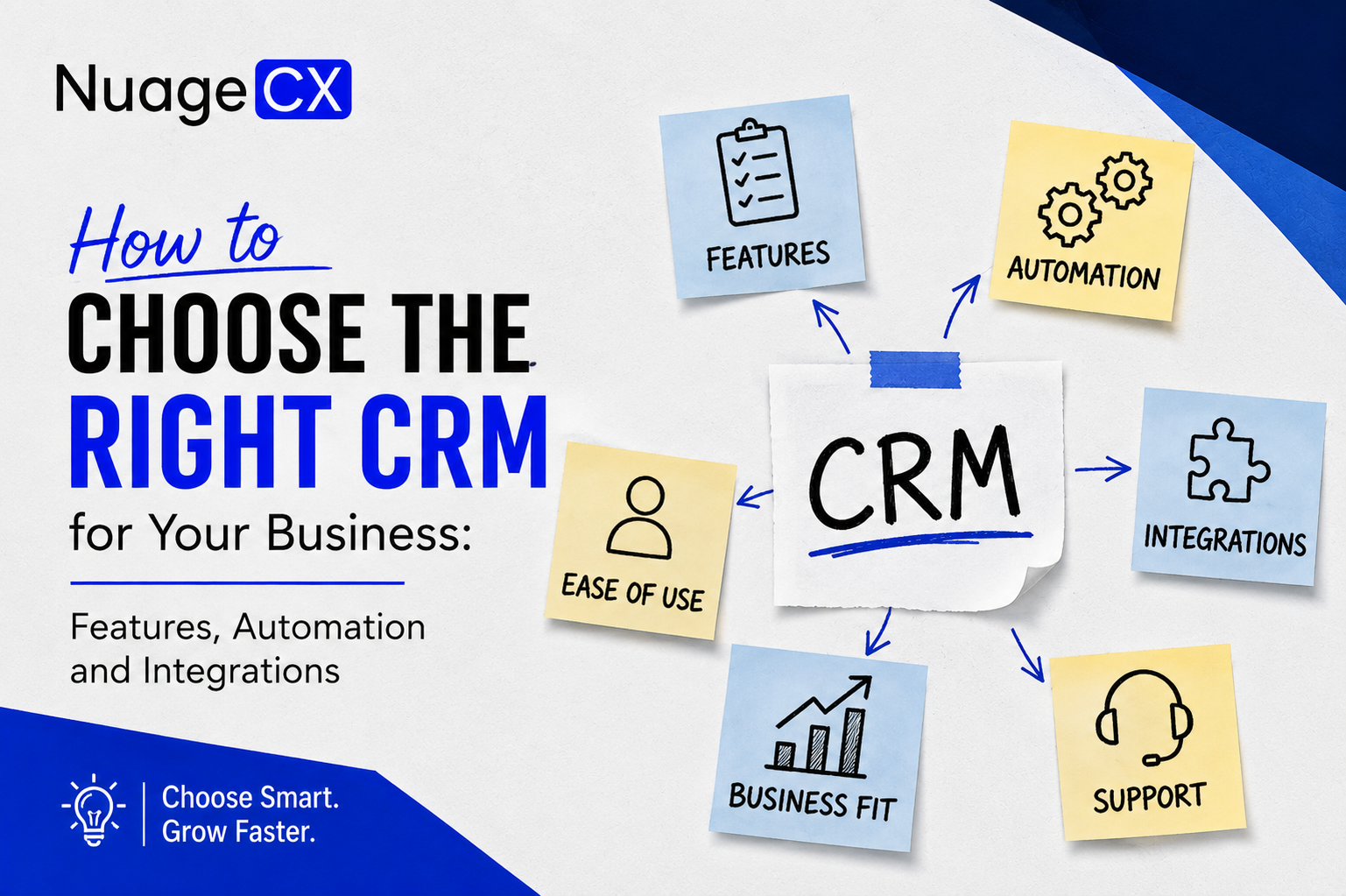
What Should You Look for When Choosing a CRM?

The right CRM should solve your current problems without creating new limitations as your business grows.

Depending on your requirements, evaluate the CRM across:
• Lead management
• Contact and account management
• Sales pipeline management
• Workflow automation
• Sales follow ups
• Marketing integration
• Customer communication
• Quotation and order workflows
• Finance integration
• ERP integration
• Customer support integration
• Analytics and reporting
• Data migration
• API and third party integrations
• User permissions
• Customization
• Scalability
• Mobile access

But there is an important distinction.

A CRM can have hundreds of features and still be a poor fit for your business if it does not connect with the systems your teams already depend on.

The right CRM should fit into your business architecture.
It should not become another data silo.

Do You Need a CRM or a Complete Business Automation Platform?

This is one of the most important questions to answer before choosing software.

If your only requirement is managing leads, contacts, opportunities and sales activities, a standalone CRM may be sufficient.

But consider a business where the customer journey looks like this:
Marketing → Lead → CRM → Sales → Quotation → Order → Finance → Payment → Operations → Support → Retention

Now the CRM is connected to multiple business functions.
Your requirements have moved beyond sales management.

You need business automation.
This distinction can significantly change which platform is appropriate.

A business looking for a CRM today may eventually need:
• Accounting
• Finance
• ERP
• Inventory
• HRMS
• Payroll
• Marketing automation
• Customer support
• Project management
• Analytics
• Workflow automation

Choosing a CRM that can work within a broader ecosystem can therefore prevent another major software migration later.

How Important Are CRM Integrations?

CRM integrations should not be treated as an optional technical feature.

They directly affect how your business operates.

Imagine your CRM contains the customer record while your accounting system contains invoices, your ERP contains orders, your helpdesk contains support history and your marketing platform contains campaign activity.

If these systems are disconnected, employees have to move information manually.

That creates:
• Duplicate records
• Repeated data entry
• Delayed updates
• Incorrect information
• Manual reporting
• Poor customer visibility
• Departmental communication gaps

A connected CRM environment can instead allow relevant information to move between applications.

For example:
CRM → Finance
CRM → ERP
CRM → Marketing
CRM → Customer Support
CRM → Analytics
CRM → Inventory
CRM → Business Automation

The objective is not to connect everything simply because an integration is available.

The objective is to connect the systems that need to exchange information to support your business processes.

How Should CRM Automation Work?

A CRM should reduce repetitive work rather than simply store more information.

Consider a new enquiry.

Instead of a salesperson manually performing every step, automation can help manage:
Lead capture
Lead assignment
Lead qualification
Follow up
Opportunity creation
Proposal
Deal closure
Customer onboarding
Finance
Support

The exact workflow depends on the business.
For some organizations, automation may include lead scoring and sales notifications.

For others, it may include quotations, approvals, order management, invoicing, onboarding and customer support.

This is why CRM automation should be designed around actual business processes.

The question is not:
"How many automation features does this CRM have?"

The better question is:
"Which parts of our customer and sales process can this CRM automate?"

What About CRM and Finance Integration?

Sales and finance are closely connected, yet many businesses operate them as separate functions.

Sales knows the customer.
Finance knows the financial relationship.

When the systems are disconnected, teams spend time exchanging information manually.

A connected CRM and finance environment can support processes such as:
• Customer creation
• Quotations
• Sales orders
• Invoicing
• Payment tracking
• Receivables
• Revenue reporting

For businesses considering Zoho, Zoho CRM can work alongside Zoho Books and other Zoho applications as part of a broader connected environment.

This can help businesses move from:
Lead → Deal → Customer → Invoice → Payment

without treating each stage as a completely separate process.

For organizations looking beyond CRM toward complete business automation, this connectivity becomes a major consideration during platform selection.

What About ERP, Inventory and Operations?

If your business sells products, manages inventory, manufactures products or handles complex operational workflows, CRM selection becomes even more important.

The sales team may need visibility into:
• Product availability
• Inventory
• Orders
• Delivery
• Procurement
• Production
• Project status
• Fulfilment

A CRM that operates completely separately from these processes can limit visibility.

A connected environment can create a flow such as:
Customer → CRM → Order → Inventory / ERP → Fulfilment → Finance → Support

This is particularly relevant for manufacturers, distributors, trading companies and businesses with operationally complex sales processes.

The CRM should therefore be evaluated based on the wider business ecosystem it can participate in.

Not simply the sales features it offers.

Should Your CRM Connect With Customer Support?

Customer relationships continue after the deal is closed.

Customers may require onboarding, technical support, service, renewals or additional products.

If support operates separately from CRM, the service team may not have enough customer context.

A connected environment can provide support teams with relevant information such as:
• Customer profile
• Products or services purchased
• Sales history
• Account ownership
• Previous interactions
• Open opportunities
• Relevant financial information
• Previous support requests

This creates a more consistent customer experience.

For businesses considering Zoho, Zoho Desk can become part of a wider customer management environment alongside Zoho CRM and other applications.

The objective is not simply to implement a helpdesk.
It is to ensure that customer service is connected to the relationship your business already has with that customer.

How Important Is CRM Reporting and Analytics?

A CRM should help management understand what is happening across the customer lifecycle.

Sales leaders may need to know:
• How many leads are entering the pipeline?
• Which sources generate qualified opportunities?
• Which deals are likely to close?
• Where are sales processes slowing down?
• Which customers are generating revenue?
• Which sales activities are producing results?

But management may need more than CRM data.

They may also want to connect:
CRM + Finance + Marketing + ERP + Support + Operations

This is where analytics becomes more valuable.

A connected analytics environment can help decision makers move from isolated departmental reports toward a broader view of business and customer performance.

For businesses pursuing Customer 360, analytics is an important part of the architecture because customer data becomes more useful when it can be interpreted across departments.

Why Zoho Is Worth Considering When Choosing a CRM

Businesses searching for a CRM often compare well known CRM platforms based on features, pricing, usability, integrations and scalability.

Zoho deserves consideration when the requirement extends beyond traditional CRM.

Zoho provides applications across:
• CRM
• Sales
• Marketing
• Finance
• Accounting
• ERP
• Inventory
• HR
• Recruitment
• Payroll
• Projects
• Customer Support
• Analytics
• Automation
• Collaboration

This creates an opportunity to start with CRM while having a wider ecosystem available when additional business functions need to be connected.

For businesses looking to move from a standalone CRM toward broader business automation, this can be an important consideration.

However, the platform alone does not determine the success of the implementation.
The architecture, configuration, integrations, workflows and data model matter just as much.

Zoho CRM vs Zoho One: Which Is Right for Your Business?

The right choice depends on what you are trying to solve.

If your immediate requirement is primarily sales and customer relationship management, Zoho CRM may be the appropriate starting point.

If your business wants to connect multiple departments through a broader application ecosystem, Zoho One may be worth evaluating.

The decision should be based on your business requirements rather than simply choosing the larger package.

Consider Zoho CRM when your primary requirements include:
• Lead management
• Sales pipeline
• Contact management
• Deal management
• Sales automation
• Customer relationship management

Consider a broader Zoho environment when you need to connect:
• CRM
• Marketing
• Finance
• Accounting
• ERP
• Inventory
• HRMS
• Projects
• Customer Support
• Analytics
• Business workflows

For many businesses, the practical approach is to understand the complete business requirement first and then determine which Zoho applications should form the architecture.

What Does Customer 360 Have to Do With CRM Selection?

A CRM gives your business a place to manage customer relationships.

Customer 360 takes the requirement further.

Imagine having access to relevant information from:
CRM → Customer and sales history
Marketing → Campaign engagement
Finance → Invoices and payments
ERP → Orders and operations
Support → Tickets and service history
Analytics → Business performance
Projects → Delivery and engagement

Instead of each department seeing only its own data, the organization can build a broader view of the customer.

That can support better decisions around:
• Sales
• Account management
• Customer support
• Retention
• Cross selling
• Upselling
• Renewals
• Customer experience

This is why CRM selection should consider the future Customer 360 requirement.

You may not need every integration on day one.
But the platform should support the direction in which your business is going.

The Biggest CRM Mistake Businesses Make

The biggest mistake is choosing a CRM based only on a product demonstration.

A polished interface does not tell you whether the CRM will work with your business processes.

Before implementation, you should understand:
• How leads enter your business
• How sales teams qualify them
• How quotations are created
• How orders are processed
• How invoices are generated
• How payments are tracked
• How operations fulfil orders
• How support handles customers
• How marketing engages prospects
• How management receives reports
• Which systems currently store customer data
• Which processes are manual
• Which processes should be automated

Only then can you determine which CRM architecture actually fits.

The right CRM should solve the business problem, not simply provide another place to store customer records.

Why CRM Implementation Matters as Much as CRM Selection

Even the right CRM can fail if it is implemented incorrectly.

CRM implementation may require:
• Business process mapping
• CRM configuration
• Data migration
• Data cleansing
• Workflow automation
• User roles and permissions
• Integration
• Customization
• Reporting
• Testing
• User training
• Post implementation optimization

For businesses moving from spreadsheets or another CRM, data migration and process redesign become particularly important.

For businesses adopting multiple Zoho applications, the implementation also needs to consider how the applications will work together.

This is where an experienced implementation partner can make the difference between simply installing software and creating a system that employees can actually use.

How NuageCX Helps Businesses Choose and Implement the Right CRM

NuageCX approaches CRM selection from the business process rather than starting with a software license.

The process can begin by understanding:
• Your business model
• Current systems
• Sales process
• Customer journey
• Department workflows
• Existing data
• Manual processes
• Integration requirements
• Reporting requirements
• Future automation requirements

Based on these requirements, the appropriate Zoho architecture can be designed.

Depending on the business, this can include Zoho CRM, Zoho One, Zoho Books, Zoho ERP, Zoho Inventory, Zoho Desk, Zoho Analytics, Zoho People, Zoho Projects, Zoho Creator and other Zoho applications.

The objective is not to recommend more software.

It is to determine which combination of applications, workflows and integrations can create the most effective business environment.

For businesses that want to move toward Customer 360, the implementation can also be designed around the customer data that needs to be connected across departments.

Choose a CRM That Can Grow With Your Business

Your CRM decision should solve today's problem without creating tomorrow's limitation.

If you only need sales management today, start with that requirement.

But if your business is already dealing with disconnected finance, ERP, HR, marketing, support and operational systems, consider the bigger picture before choosing another standalone application.

The right platform should give your business a path from:
CRM → Automation → Integration → Business Management → Customer 360

Zoho can provide a broad ecosystem for businesses that want to move in that direction.
The important part is designing the system correctly around your business.

Ready to Choose the Right CRM for Your Business?

If you are comparing CRMs, replacing spreadsheets, moving away from legacy software or looking for a platform that can automate more than sales, choosing the right system requires more than comparing feature lists.

You need to understand how your CRM will connect with marketing, finance, ERP, HR, operations, customer support and analytics.

NuageCX helps businesses assess their requirements, select the appropriate Zoho applications, design workflows, integrate systems and build a connected Customer 360 environment.

Whether you need Zoho CRM implementation or a broader Zoho business automation solution, the starting point should be your business.

Tell us how your business currently works, where the gaps are and what you want to automate.


Share this blog

Send us a Message

You Want To Implementing Zoho One

Let's discuss how we can help you achieve similar results with our proven methodologies and expertise.

More Blog Posts

View All

Blog Posts

Explore Our Latest Insights

Browse our complete collection of blog posts featuring industry insights, best practices, and innovative solutions across various technologies.

How to Choose the Right CRM for Your Business: | NuageCX