Ready to start?Request Consulting

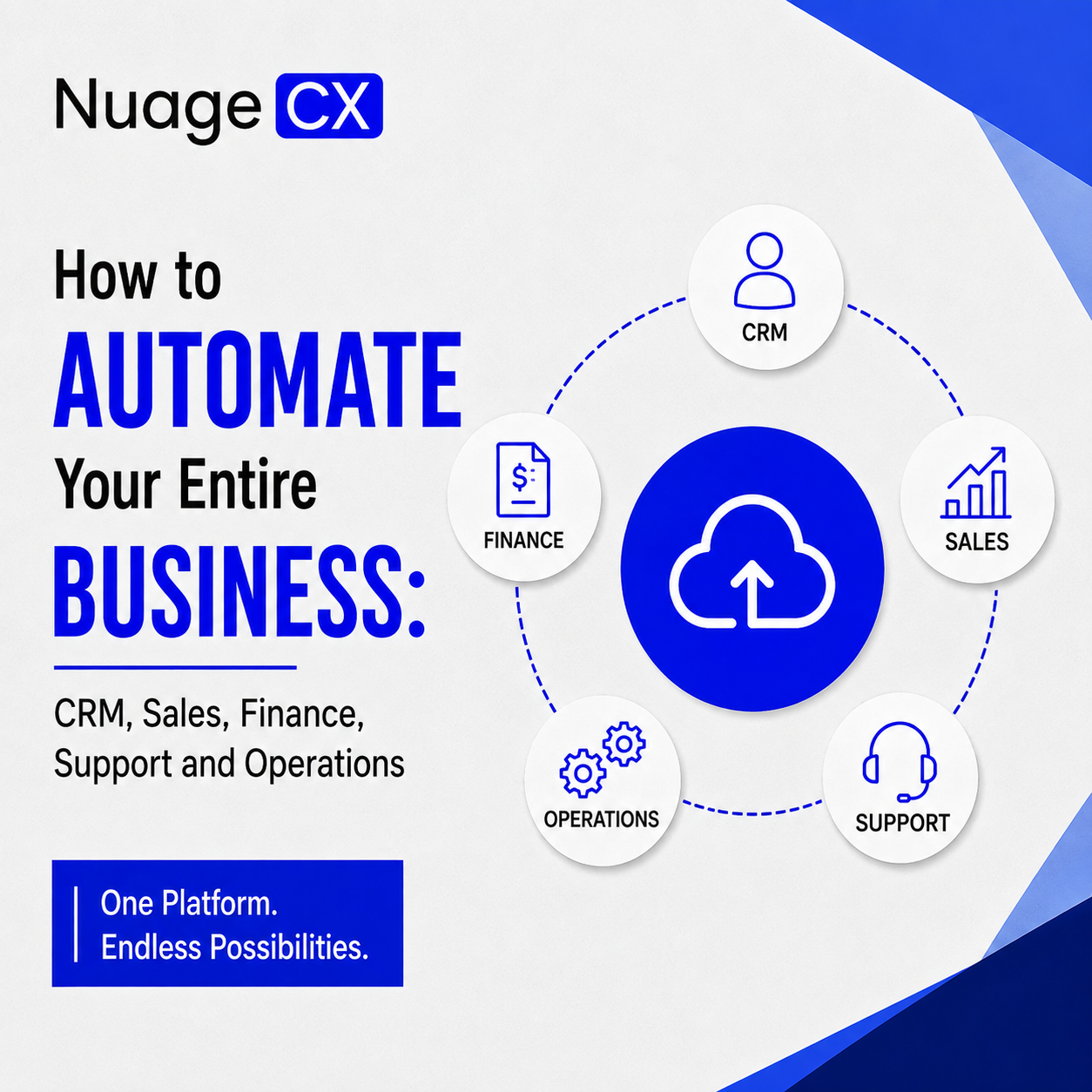
How to Automate Your Entire Business: CRM, Sales, Finance, Support and Operations

Tanmay Dhake
September 2026
How to Automate Your Entire Business: CRM, Sales, Finance, Support and Operations
Looking to automate your entire business instead of managing disconnected software, spreadsheets and manual processes? See how CRM, sales, marketing, finance, ERP, HR, inventory, operations, customer support and analytics can work together through a connected Zoho business automation ecosystem and Customer 360 approach.

Your Business Does Not Need More Software. It Needs One Connected System.

As a business grows, every department tends to adopt the software it needs.

Sales uses a CRM. Finance uses accounting software. Marketing works across multiple platforms. HR uses an HRMS. Operations relies on ERP or spreadsheets. Customer support has its own system. Management depends on reports pulled from different sources.

Each application may solve a specific problem. The bigger problem starts when these systems do not work together.

Customer information gets duplicated. Teams enter the same information more than once. Sales cannot see the complete financial relationship with a customer. Support does not always have the customer's sales history. Management waits for reports instead of seeing what is happening across the business.

If you are looking for a way to automate your entire business, the objective should not be to automate one department at a time.

The objective should be to create a connected business system where information and workflows move across departments automatically.

That means connecting CRM, sales, marketing, finance, accounting, ERP, inventory, HR, operations, projects, customer support and analytics around the way your business actually works.

This is where a connected Zoho ecosystem and Customer 360 approach can become a powerful business automation strategy.

What Does It Actually Mean to Automate Your Entire Business?

Business automation is not simply sending an automatic email or creating a workflow inside your CRM.

For a growing organization, full business automation can connect the complete business lifecycle.

A typical connected process can look like:
Marketing → Lead Generation → CRM → Sales → Quotation → Order → ERP / Operations → Invoice → Payment → Customer Support → Analytics

At the same time, internal processes can connect HR, employee management, expenses, projects, approvals and payroll.

The result is a business where information does not have to be manually transferred from one department to another every time a process moves forward.

For example, when a sales opportunity becomes a customer, the next steps can trigger automatically.

Customer information can move into the relevant finance process.

The order can move into operations.

The customer can become available to the support team.

Management can get visibility into revenue, pipeline and customer activity.

Marketing can continue engaging with the customer.

Instead of building isolated automations, the business creates a connected operating environment.

That is the difference between automating individual tasks and automating the business.

Connect CRM, Sales and Marketing

Your customer journey starts before a salesperson speaks to a prospect.

A potential customer may discover your company through Google, advertising, social media, an event, a referral or your website.

That interaction should not disappear when the prospect becomes a sales lead.

A connected CRM and marketing environment can help businesses manage the journey from:
Visitor → Lead → Qualified Lead → Opportunity → Customer

Sales teams can work with centralized customer information while marketing can understand which prospects are progressing through the sales process.

Instead of marketing and sales maintaining separate databases, both functions can work around the same customer journey.

This creates better visibility into:
• Where leads are coming from
• Which leads are qualified
• Which opportunities are active
• Which campaigns generate business
• Which customers are engaging
• Where prospects are dropping out

Zoho CRM can become the central customer and sales layer, while other Zoho applications can support marketing and customer engagement around it.

But the real value comes from connecting these functions rather than simply implementing another CRM.

Your objective should be to create a continuous flow from marketing to sales and from sales to customer management.

Connect Sales With Finance and Accounting

One of the biggest gaps in growing businesses exists between sales and finance.

Sales closes the deal.

Finance creates the invoice.

Someone manually transfers customer information.

Someone checks the order.

Someone follows up on payment.

Someone prepares a report.

Every manual handoff creates another opportunity for delay or incorrect information.

A connected CRM and finance environment can reduce these gaps.

A typical workflow can move from:
Lead → Deal → Customer → Sales Order → Invoice → Payment → Financial Reporting

With Zoho CRM and Zoho Books working as part of a connected Zoho environment, businesses can create workflows around customer and transaction information instead of maintaining separate records across departments.

This becomes even more valuable when finance needs visibility into the commercial relationship.

The finance team should not have to repeatedly ask:
Who is this customer?

What did sales promise?

What products or services did they purchase?

Which deal generated this invoice?

The objective is to connect the commercial and financial lifecycle so that the right information is available to the right team at the right stage.

Connect ERP, Inventory and Operations to the Customer Journey

For product businesses, distributors, manufacturers and organizations with complex operations, CRM and accounting are only part of the picture.

A customer relationship can also depend on:
• Product availability
• Inventory
• Procurement
• Manufacturing
• Purchase orders
• Sales orders
• Warehousing
• Production
• Delivery
• Project execution
• Service operations

This is where ERP and operational automation become critical.

A customer order should not become an isolated sales record.

It should connect with the operational processes required to fulfil that order.

For example:
Customer → CRM → Order → Inventory → Procurement / Production → Fulfilment → Finance → Support

This creates visibility beyond the sales pipeline.

Zoho applications across CRM, finance, inventory, ERP, projects, analytics and operations can be brought together based on the specific requirements of the business.

For organizations with manufacturing or complex operational workflows, the architecture may also require custom workflows, integrations and process-specific automation.

The objective is not simply to install an ERP.

It is to connect the operational lifecycle with the customer lifecycle.

Automate HR, Employee Processes and Internal Operations

A complete business automation strategy cannot stop at customer-facing processes.

Your employees are responsible for delivering the customer experience.

That means internal processes also need to work efficiently.

HR and employee workflows can include:
• Recruitment
• Employee onboarding
• Employee records
• Attendance
• Leave management
• Performance
• Expenses
• Payroll
• Employee approvals
• Internal workflows

Zoho People, Zoho Recruit, Zoho Payroll and related applications can become part of the broader Zoho environment.

For example, a new employee can move through a structured onboarding workflow instead of HR coordinating multiple manual steps.

Employee information, approvals, attendance, expenses and payroll-related processes can be managed through connected workflows.

The same principle applies to projects and internal operations.

Instead of treating HR, finance, projects and operations as completely separate environments, businesses can design workflows that connect the information required between them.

The result is a more connected organization from the inside out.

Connect Customer Support With the Complete Customer History

The customer journey does not end when a deal is closed.

After the sale, customers may need onboarding, service, technical support, renewals, additional products or account management.

This is where disconnected systems create a serious customer experience problem.

Imagine a customer contacts support.

The support team sees the ticket.

But they cannot immediately see:
• What the customer purchased
• Which salesperson manages the account
• Previous conversations
• Open opportunities
• Relevant invoices
• Payment status
• Previous support requests
• Customer activity

The customer has to explain the situation again.

A connected CRM and support environment changes the experience.

The support team can work with relevant customer context while sales and account management can understand service activity.

Zoho Desk can become part of a wider customer management environment alongside CRM, finance, analytics and other Zoho applications.

The goal is simple:
Every customer interaction should contribute to a more complete understanding of the customer.

That is where business automation starts moving toward Customer 360.

Bring Finance, Sales, Marketing, HR, ERP and Support Into One Customer View

Most businesses do not have a shortage of customer data.
They have customer data in too many places.

Sales knows the opportunity.

Marketing knows campaign engagement.

Finance knows invoices and payments.

ERP knows orders and operations.

Support knows service history.

Management knows revenue and performance.

HR knows the employees delivering the service.

The challenge is connecting the information that matters.

A Customer 360 approach brings relevant customer information together so that teams can understand the complete relationship rather than looking at isolated pieces of information.

For example:
CRM → Who is the customer and what opportunities exist?
Marketing → How has the customer engaged?
ERP / Operations → What has been ordered or delivered?
Finance → What has been invoiced and paid?
Support → What issues or requests have been raised?
Analytics → What does the overall relationship look like?

This creates a much stronger foundation for customer retention, cross-selling, upselling, service and business decision-making.

Customer 360 is therefore not simply another dashboard.

It is the result of connecting the systems and processes that create customer information.
Why Zoho Is a Strong Option for Full Business Automation

If your business is already using several applications, the biggest question is not simply which CRM you should buy.

It is:
"How can we connect the entire business?"

This is where the Zoho ecosystem becomes relevant.

Zoho provides applications across major business functions including:
• CRM
• Sales
• Marketing
• Finance
• Accounting
• ERP
• Inventory
• HR
• Recruitment
• Payroll
• Projects
• Customer Support
• Analytics
• Workflow Automation
• Collaboration

Zoho One can provide a broader foundation for businesses looking to bring multiple business functions into a connected environment.

For companies that need more specialized requirements, individual Zoho applications can also be combined with integrations, custom workflows and business-specific solutions.

This gives businesses the flexibility to start with a specific requirement and expand toward broader automation.

However, buying multiple Zoho applications does not automatically create business automation.

The architecture matters.

The workflows matter.

The integrations matter.

The data structure matters.

And most importantly, the system must match the way your business actually operates.

The Difference Between Buying Zoho and Implementing Zoho Correctly

Choosing the right software is only the beginning.

A business can purchase CRM, finance, HR, ERP, support and analytics applications and still end up with disconnected processes.

That is why implementation should begin with business requirements.

At NuageCX, the process can start by identifying:
• Current software and systems
• Existing business processes
• Manual activities
• Data sources
• Department dependencies
• Customer touchpoints
• Approval workflows
• Integration requirements
• Reporting requirements
• Automation opportunities

From there, the appropriate Zoho architecture can be designed.

Depending on the business, this may involve Zoho CRM, Zoho One, Zoho Books, Zoho ERP, Zoho People, Zoho Recruit, Zoho Payroll, Zoho Inventory, Zoho Desk, Zoho Analytics, Zoho Projects, Zoho Creator and other applications.

The objective is not to implement every Zoho application.
The objective is to implement the applications your business actually needs and connect them correctly.

Build One Connected Business Instead of Managing Separate Departments

The most valuable outcome of business automation is not simply fewer manual tasks.
It is better connectivity across the organization.

Your sales team can work with better customer information.

Finance can receive relevant commercial information faster.

Marketing can understand the customer journey.

Operations can work from accurate order information.

HR can automate employee processes.

Support can understand customer context.

Management can see the business through connected data.
And the customer can experience one organization instead of several disconnected departments.

This is the foundation of a Customer 360 business environment.

Instead of asking:
"Which software should each department use?"

the better question is:
"How should our entire business work together?"

Ready to Automate Your Entire Business?

If your business is currently managing CRM, finance, HR, ERP, marketing, inventory, operations and customer support through separate applications, spreadsheets and manual processes, adding another software tool may not solve the underlying problem.

You may need a connected business automation strategy.

NuageCX helps businesses design and implement connected Zoho environments across CRM, sales, marketing, finance, ERP, HRMS, inventory, operations, projects, customer support and analytics.

From business process discovery and system architecture to implementation, integrations, workflow automation, data migration and Customer 360, the focus is on creating a system around your business rather than forcing your business into a standard setup.

If you want to automate your entire business and create a connected view of your customers, speak with the NuageCX team.


Share this blog

Send us a Message

You Want To Implementing Zoho One

Let's discuss how we can help you achieve similar results with our proven methodologies and expertise.

More Blog Posts

View All

Blog Posts

Explore Our Latest Insights

Browse our complete collection of blog posts featuring industry insights, best practices, and innovative solutions across various technologies.